1
Tour Price Generator (TPG) Manual
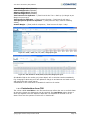
Adult FI Single Price (Editable)
Child FI Single Price (Editable)
Adult LO Single Price (Editable)
Child LO Single Price (Editable)
Total revenue for departure = (Total Cost for the Tour + Mark up (or Margin as per
Margin Curve set up))
Total profit for departure = (Total revenue for dept – Total Cost for the tour)
Total per-person profit for departure = (Total profit for dept / total of modeling
values)
Overall Margin = (Total profit for departure / Total revenue for dept * 100)
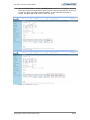
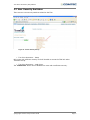
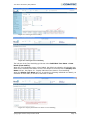
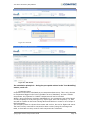
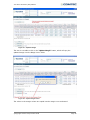
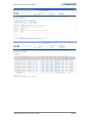
Figure 37 - Adult / Child / LO / FI / Twin / Single price types
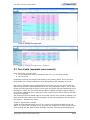
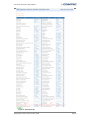
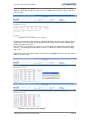
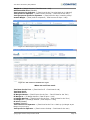
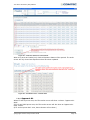
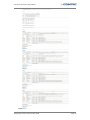
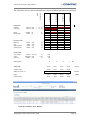
Figure 38 - TPG Results for Adult/Child/LO/FI/Twin/Single price types
All editable fields in the results grid, when edited, will re-calculate results immediately.
E.g. changing FI adult twin price will update FI margin % and amount and total revenue
and total profit and overall margin.
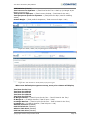
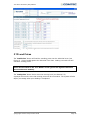
A breakdown of the calculation is viewable for each line of results.
5.10.1 Exclude dates from TPG
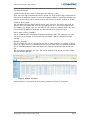
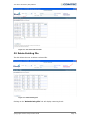
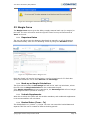
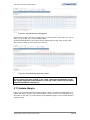
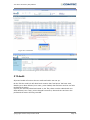
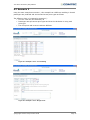
The column called Load Price in the TPG results screen allows the user to exclude dates
so that only chosen tour departures can be repriced. The Load Price column shows a
check box against each tour departure date and it is defaulted as checked in for all
dates. There are also options to ‘select all’ or ‘deselect all’.
©Copyright Comtec Group Limited 2008
Page 23