1
Page 42
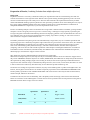
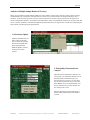
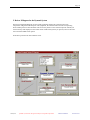
2. Modify Array
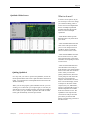
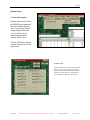
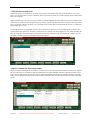
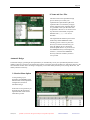
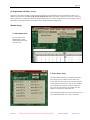
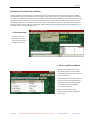
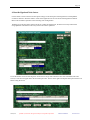
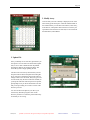
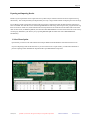
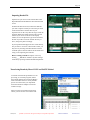
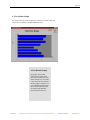
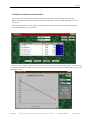
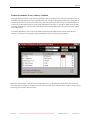
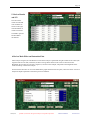
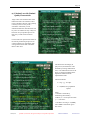
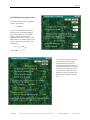
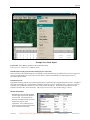
Once the item you want to modify is displayed, click on the
item and retype the description. Click OK when finished. In
the similar manner you can edit Control factors, Outer array,
Noise factors, and Dynamic Characteristic involved in your
experiment. Each item has to be selected, on e at a time from
the EDIT menu, and modified.
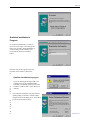
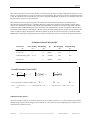
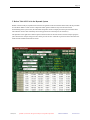
2. Update File
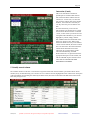
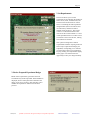
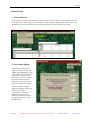
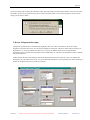
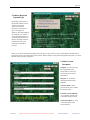
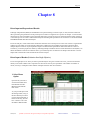
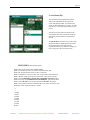
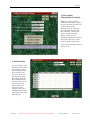
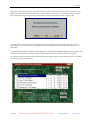
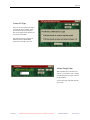
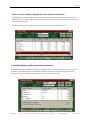
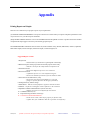
Once you modify one or more data, QT4 allows you
the option to save the file in the same name (update
file) or save it under a different name. By default
QT4 always displays the existing file name. Just
click OK if you are simply updating the file.
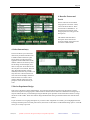
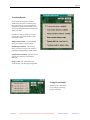
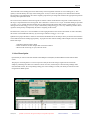
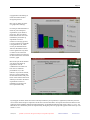
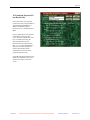
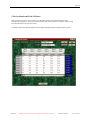
The Save File screen always assumes that you will
keep the same file name and update the existing file.
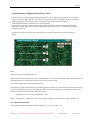
If you want not to disturb the existing file and save
changes under a new file name, then you type in the
new file name (only the first 8 characters needed). If
you keep the same file name and proceed to update,
QT4 prompts to let you know that the file exits and
that you are proceeding to overwrite. Click on YES
button to proceed.
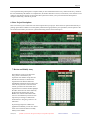
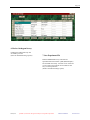
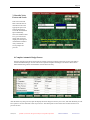
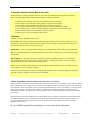
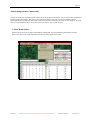
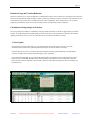
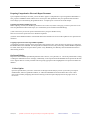
You can also direct the path for your file as you
would in any Windows program. Click on the
Directory and Drive to select the path and directory
for the file you are saving.
Nutek, Inc.
Qualitek-4, Automatic Design and Analysis of Taguchi Experiments
Reference Manual
Version: 06.01