1
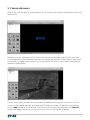
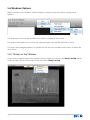
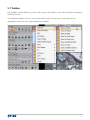
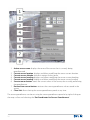
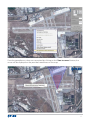
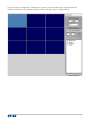
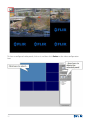
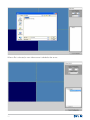
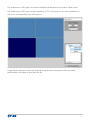
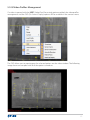
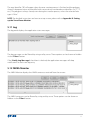
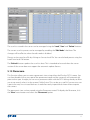
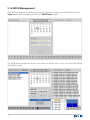
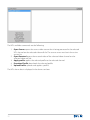
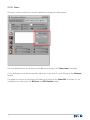
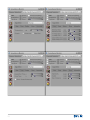
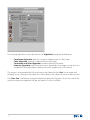
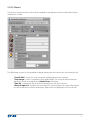
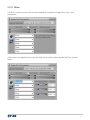
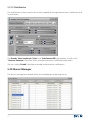
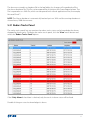
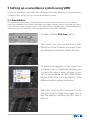
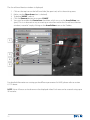
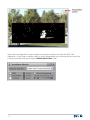
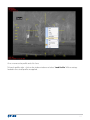
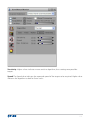
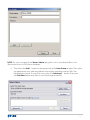
The video window can be configured using the Video Configuration panel controls (2):
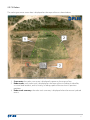
In this example we have configure the video window (1) to occupy 2 rows and two columns. To
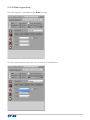
do this, use the up/down arrows in the Row and Columns fields:
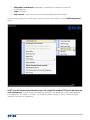
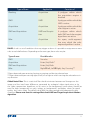
NOTE: if you want to use any of the Video Post Processing (VPP) functions on this video window,
you must check the VPP check box.
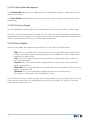
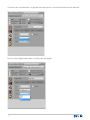
The video configuration must be saved for the changes to be effective. Unless you FIRST
click the Save button in the Video Configuration box, you cannot assign any video source to that
window, or drag a video from the sensors lists.
48