1
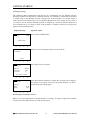
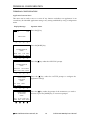
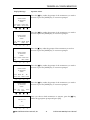
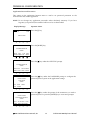
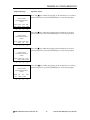
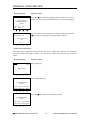
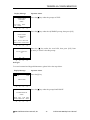
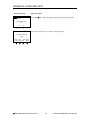
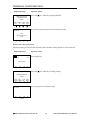
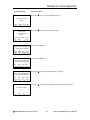
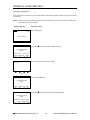
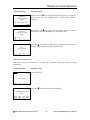
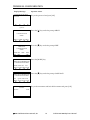
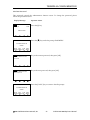
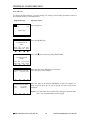
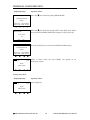
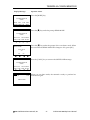
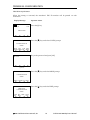
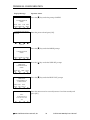
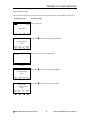
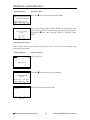
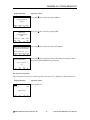
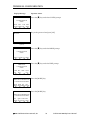
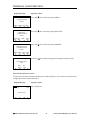
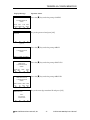
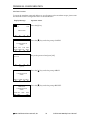
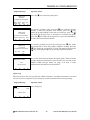
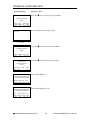
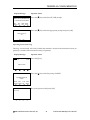
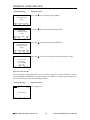
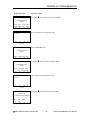
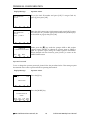
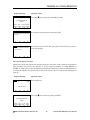
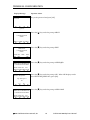
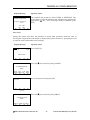
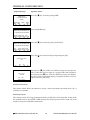
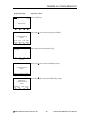
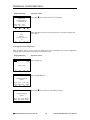
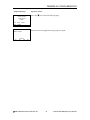
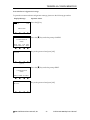
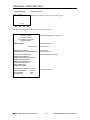
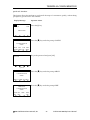
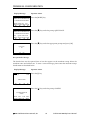
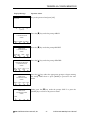
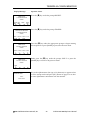
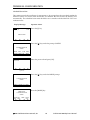
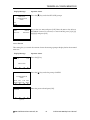
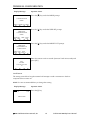
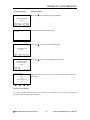
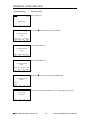
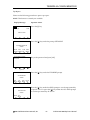
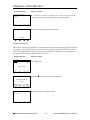
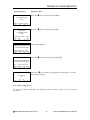
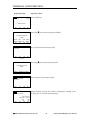
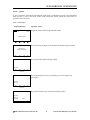
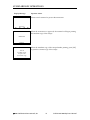
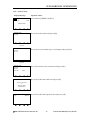
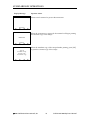
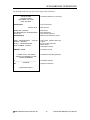
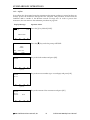
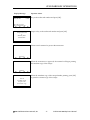
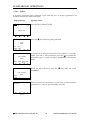
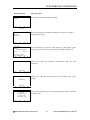
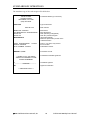
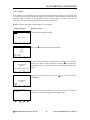
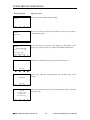
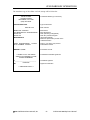
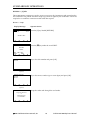
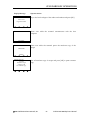
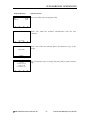
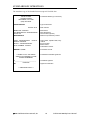
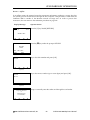
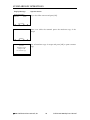
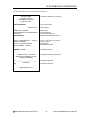
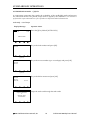
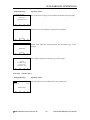
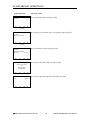
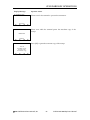
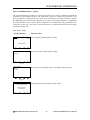
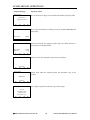
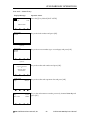
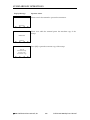
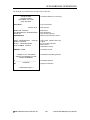
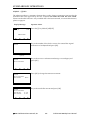
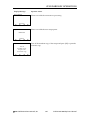
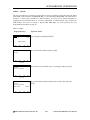
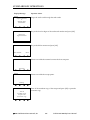
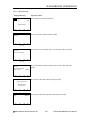
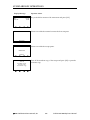
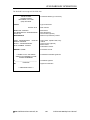
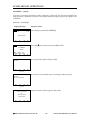
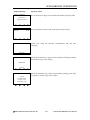
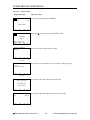
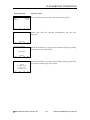
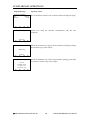
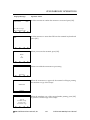
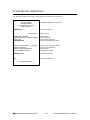
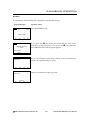
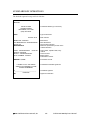
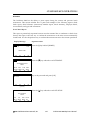
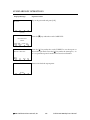
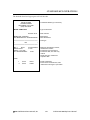
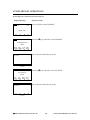
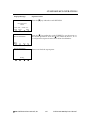
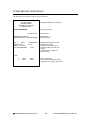
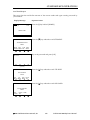
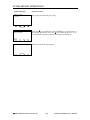
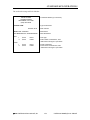
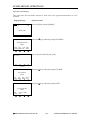
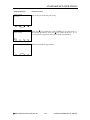
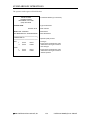
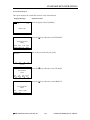
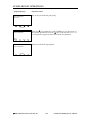
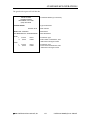
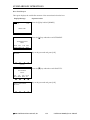
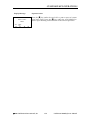
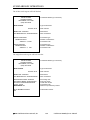
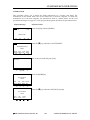
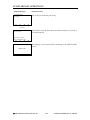
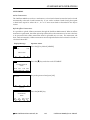
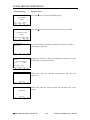
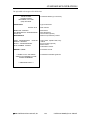
TERMINAL CONFIGURATION Display Message Operator Action Press the [g] key under the prompt DEMO MODE. ADMINISTRATION MENU PASS APP DATE DEMO SERV FUNC TIME MODE ■ ■ ■ ■ Press the [g] key under the prompt YES to enter demo mode. When the text under the DEMO MODE line changes to YES, press [OK]. DEMO MODE Demo Mode: No Yes g g No g g Press the [CANC.] key to return to the SWIPE CARD message. ADMINISTRATION MENU PASS APP DATE DEMO SERV FUNC TIME MODE g g g 09/01/99 g 15:30 While in demo mode, the word DEMO will appear on all transaction screens. DEMO SWIPE CARD g g g g Exiting Demo Mode Display Message 09/01/99 Operator Action 15:30 Press the [0] key. DEMO SWIPE CARD g g g g 2001 LinkPoint® International, Inc. 26 LinkPoint® 9000 Reference Manual