1
4.6 The Scan Pull Down Menu
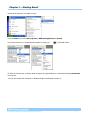
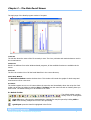
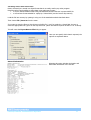
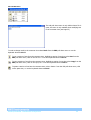
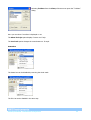
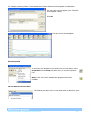
The scan pull down menu is only visible when a file is open.
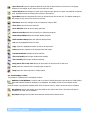
“First Scan” button displays the oldest scan stored in the file.
“Jump Backwards” button displays the scan 10 scans previous to the scan in view.
“Go to Previous” button displays the scan previous to the current one in view.
“Go to Next” button displays the scan after the current one in view.
“Jump Forwards” displays the scan 10 scans after the current one in view.
“Last Scan” button displays the oldest scan stored in the file.
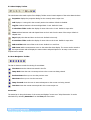
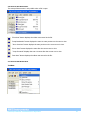
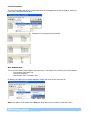
4.7 The View Pull Down Menu
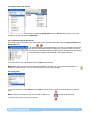
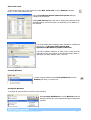
Toolbars
Process Eye Professional – Recall SP104010.101 August 2005
21