1
OPERATOR SCREEN
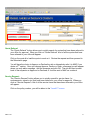
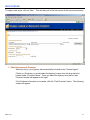
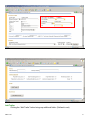
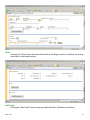
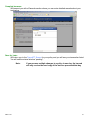
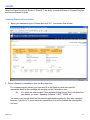
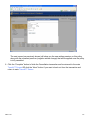
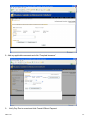
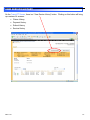
If the first owner entered on the quote is the Primary Operator, click “Yes”. This will populate the
Owner information previously captured. If the first owner is not the primary operator, an Additional
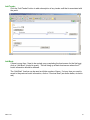
Operator will need to be added. To add an additional operator, click the “Add Operator” button. This
can be done as many times as necessary.
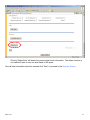
Operators may be deleted by pressing the “Delete” button.
available if there is only 1 operator listed on the policy.
Note:
However, the delete option is not
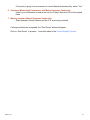
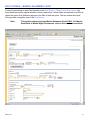
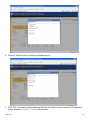
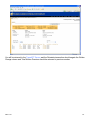
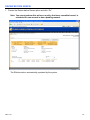
Be aware that screens for Markel High Performance Boats and Markel
Helmsman Yachts will differ. Refer to addendums below.
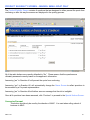
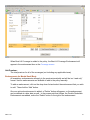
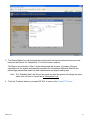
Motor Vehicle Record:
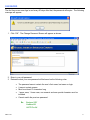
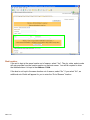
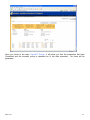
If an operator has violations on their motor vehicle record, they are to be entered in this field.
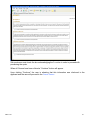
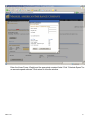
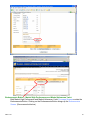
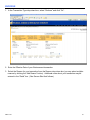
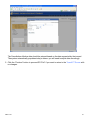
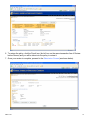
Marine Losses:
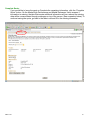
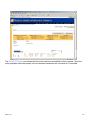
For each operator, marine loss information is required. If the operator has not had any losses,
no further action is required. However, if the answer is “Yes”, the system will require that the
losses are entered. (See area outlined in red below.)
MB-S-01-08
52