1
Chapter 4: Subsystem Connection and Operation
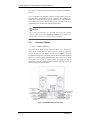
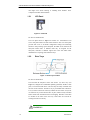
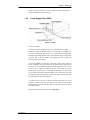
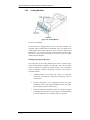
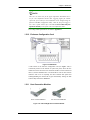
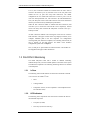
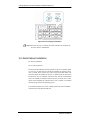
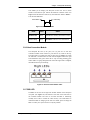
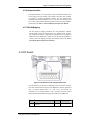
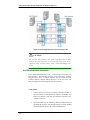
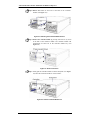
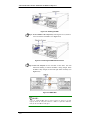
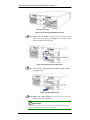
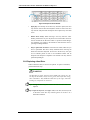
Figure 4-3: Direct Single Host Connection
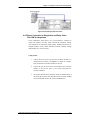
4.4.2 Direct Connection to Single Host and Daisy Chain
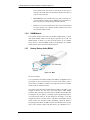
FALCON III subsystems
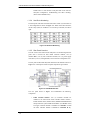
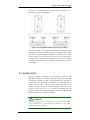
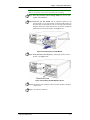
In the configuration shown below, one (1) FALCON III is connected to
single host computer and daisy chain FALCON III subsystems. Adding
more subsystems can expand the storage capacity. Multiple logical drives or
multiple partitions can be created and made available separately through
different ID/LUN’s on the host ports.
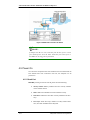
Configuration:
1.
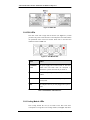
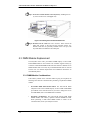
Connect the left FC ports from each host connection modules to a
dual-ported host computer. (See Figure 4-4.) When one controller
fails, the alternative controller will take over the job.
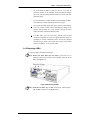
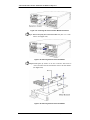
2. Connect the right FC ports on the first subsystem host connection
modules to the left FC ports on the second subsystem host
connection modules.
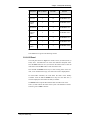
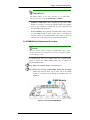
3. The onboard hub should be enabled by obtain the default setting of
the fourth DIP switch or if the internal hub was previously disabled,
turn the fourth DIP switch to “0.” (Refer to Section 4.3.1)
Subsystem Connection and Operation
4-9