1
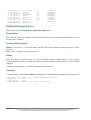
Additional Documents
•
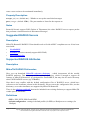
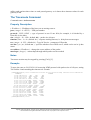
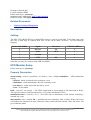
http://www.ethermanage.com/ethernet/ethernet.html
•
http://www.dcs.gla.ac.uk/~liddellj/nct/ethernet_protocol.html
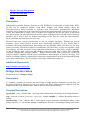
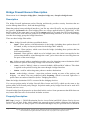
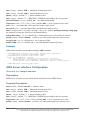
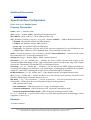
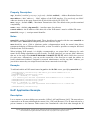
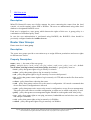
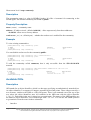
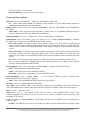
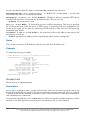
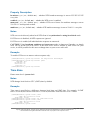
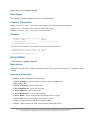
Ethernet Interface Configuration
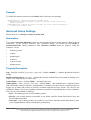
Home menu level: /interface ethernet
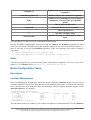
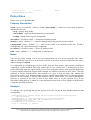
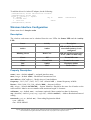
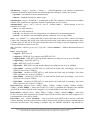
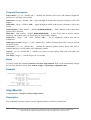
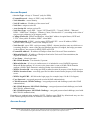
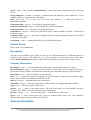
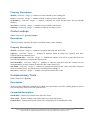
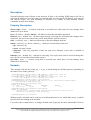
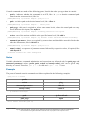
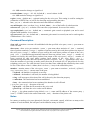
Property Description
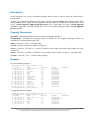
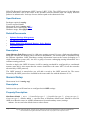
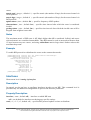
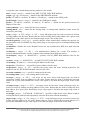
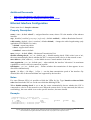
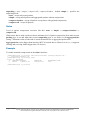
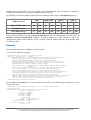
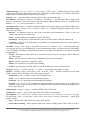
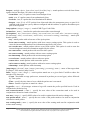
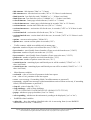
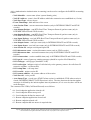
name ( name ; default: etherN ) - assigned interface name, whrere 'N' is the number of the ethernet
interface
arp ( disabled | enabled | proxy-arp | reply-only ; default: enabled ) - Address Resolution Protocol
cable-setting ( default | short | standard ; default: default ) - changes the cable length setting (only
applicable to NS DP83815/6 cards)
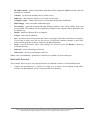
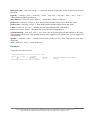
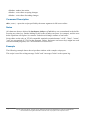
• default - suport long cables
• short - support short cables
• standard - same as default
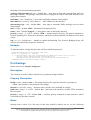
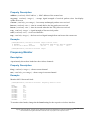
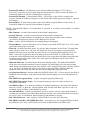
mtu ( integer ; default: 1500 ) - Maximum Transmission Unit
disable-running-check ( yes | no ; default: yes ) - disable running check. If this value is set to 'no',
the router automatically detects whether the NIC is connected with a device in the network or not
mac-address ( MAC address ) - set the Media Access Control number of the card
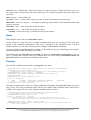
auto-negotiation ( yes | no ; default: yes ) - when enabled, the interface "advertises" its maximum
capabilities to achieve the best connection possible
full-duplex ( yes | no ; default: yes ) - defines whether the transmission of data appears in two
directions simultaneously
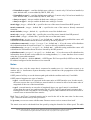
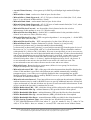
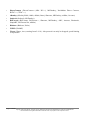
speed ( 10 Mbps | 100 Mbps | 1 Gbps ) - sets the data transmission speed of the interface. By
default, this value is the maximal data rate supported by the interface
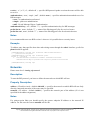
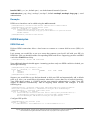
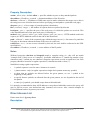
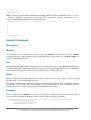
Notes
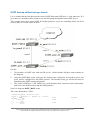
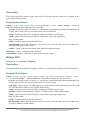
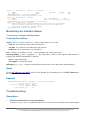
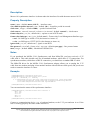
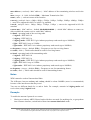
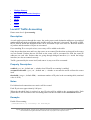
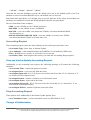
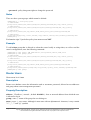
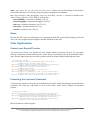
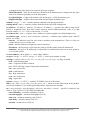
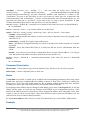
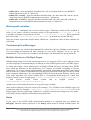
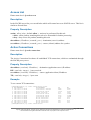
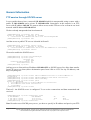
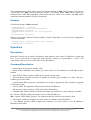
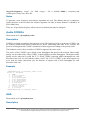
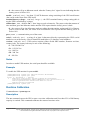
For some Ethernet NICs it is possible to blink the LEDs for 10s. Type /interface ethernet blink
ether1 and watch the NICs to see the one which has blinking LEDs.
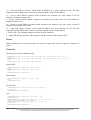
When disable-running-check is set to no, the router automatically detects whether the NIC is
connected to a device in the network or not. When the remote device is not connected (the leds are
not blinking), the route which is set on the specific interface, becomes invalid.
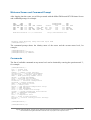
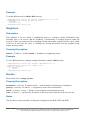
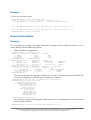
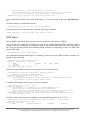
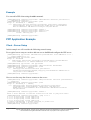
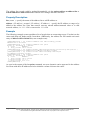
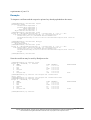
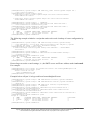
Example
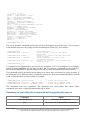
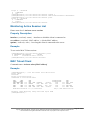
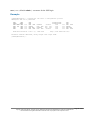
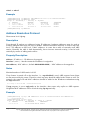
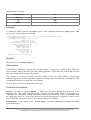
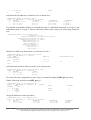
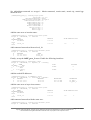
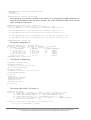
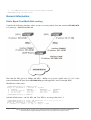
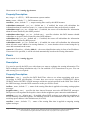
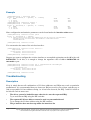
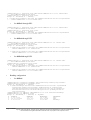
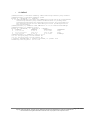
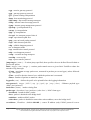
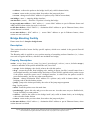
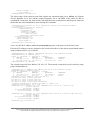
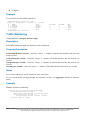
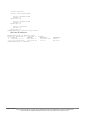
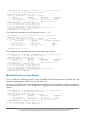
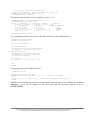
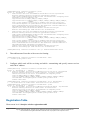
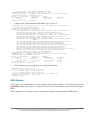
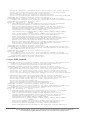
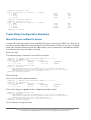
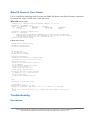
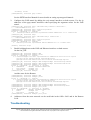
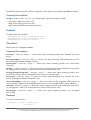
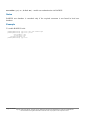
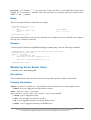
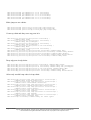
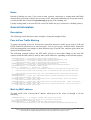
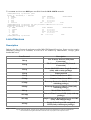
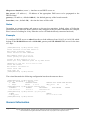
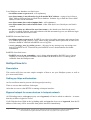
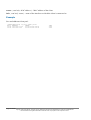
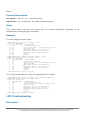
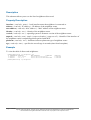
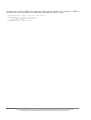
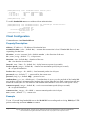
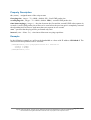
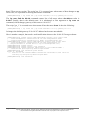
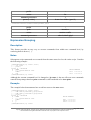
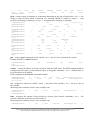
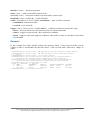
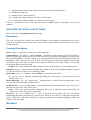
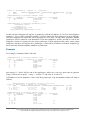
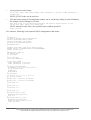
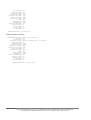
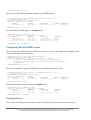
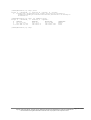
[admin@MikroTik] > interface print
Flags: X - disabled, D - dynamic, R - running
#
NAME
TYPE
0 X ether1
ether
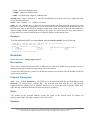
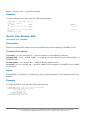
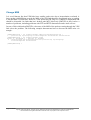
[admin@MikroTik] > interface enable ether1
[admin@MikroTik] > interface print
RX-RATE
0
TX-RATE
0
MTU
1500
Page 185 of 695
Copyright 1999-2005, MikroTik. All rights reserved. Mikrotik, RouterOS and RouterBOARD are trademarks of Mikrotikls SIA.
Other trademarks and registred trademarks mentioned herein are properties of their respective owners.