1
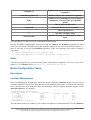
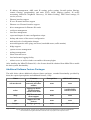
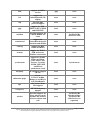
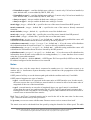
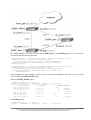
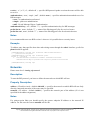
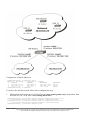
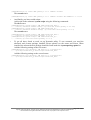
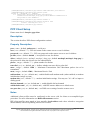
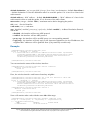
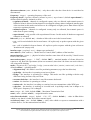
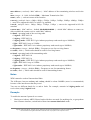
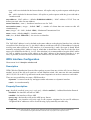
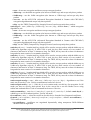
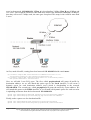
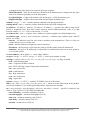
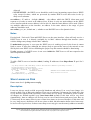
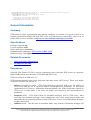
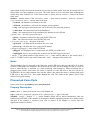
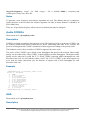
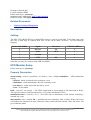
address 255.255.255.255) multicast messages are received (IP address 224.0.1.1).
•
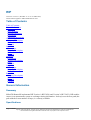
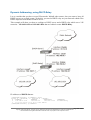
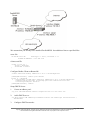
manycast mode - actually is unicast mode only with unknown IP address of NTP server. To
discover NTP server, client sends multicast message (IP 239.192.1.1). If NTP server is
configured to listen for these multicast messages (manycast mode is enabled), it replies. After
client receives reply, it enters unicast mode and synchronizes to that NTP server. But in
parallel client continues to look for more NTP servers by sending multicast messages
periodically.
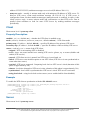
Client
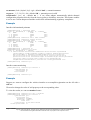
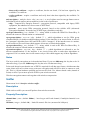
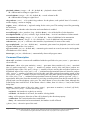
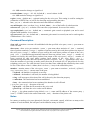
Home menu level: /system ntp client
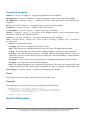
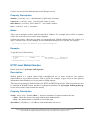
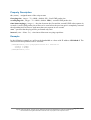
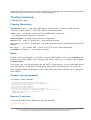
Property Description
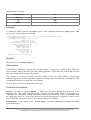
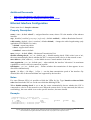
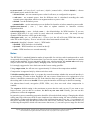
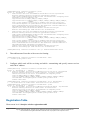
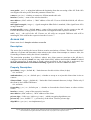
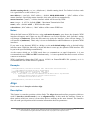
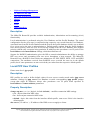
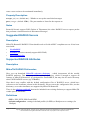
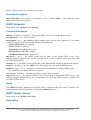
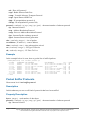
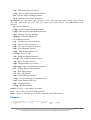
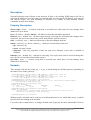
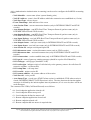
enabled ( yes | no ; default: no ) - whether the NTP client is enabled or not
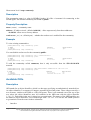
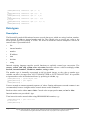
mode ( unicast | broadcast | multicast | manycast ; default: unicast ) - NTP client mode
primary-ntp ( IP address ; default: 0.0.0.0 ) - specifies IP address of the primary NTP server
secondary-ntp ( IP address ; default: 0.0.0.0 ) - specifies IP address of the secondary NTP server
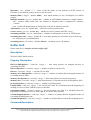
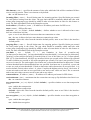
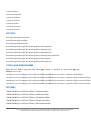
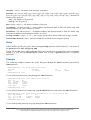
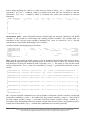
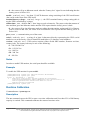
status ( read-only: text ) - status of the NTP client:
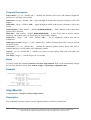
• stopped - NTP is not running (NTP is disabled)
• error - there was some internal error starting NTP service (please, try to restart (disable and
enable) NTP service)
• started - NTP client service is started, but NTP server is not found, yet
• failed - NTP server sent invalid response to our NTP client (NTP server is not synchronized to
some other time source)
• reached - NTP server contacted. Comparing local clock to NTP server's clock (duration of this
phase is approximately 30s)
• timeset - local time changed to NTP server's time (duration of this phase is approximately 30s)
• synchronized - local clock is synchronized to NTP server's clock. NTP server is activated
• using-local-clock - using local clock as time source (server enabled while client disabled)
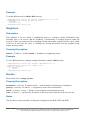
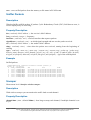
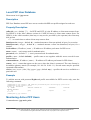
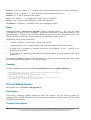
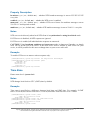
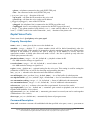
Example
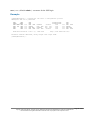
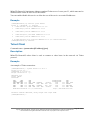
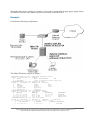
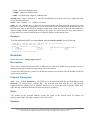
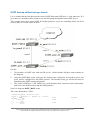
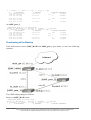
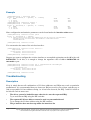
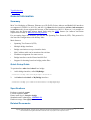
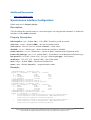
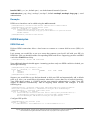
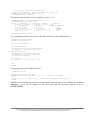
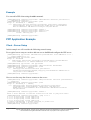
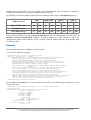
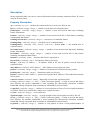
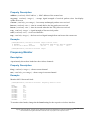
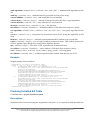
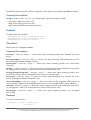
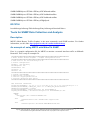
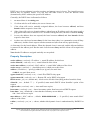
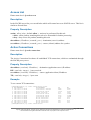
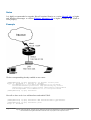
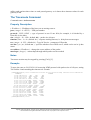
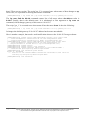
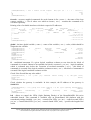
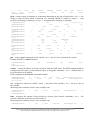
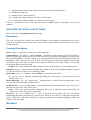
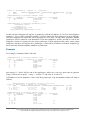
To enable the NTP client to synchronize with the 159.148.60.2 server:
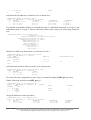
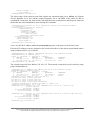
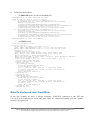
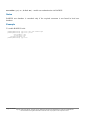
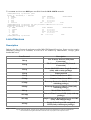
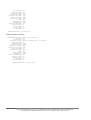
[admin@MikroTik] system ntp client> set enabled=yes primary-ntp=159.148.60.2
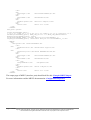
[admin@MikroTik] system ntp client> print
enabled: yes
mode: unicast
primary-ntp: 159.148.60.2
secondary-ntp: 0.0.0.0
status: synchronized
[admin@MikroTik] system ntp client>
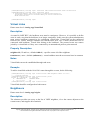
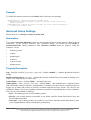
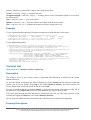
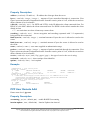
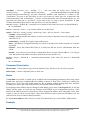
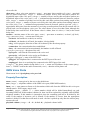
Server
Home menu level: /system ntp server
Page 582 of 695
Copyright 1999-2005, MikroTik. All rights reserved. Mikrotik, RouterOS and RouterBOARD are trademarks of Mikrotikls SIA.
Other trademarks and registred trademarks mentioned herein are properties of their respective owners.