1
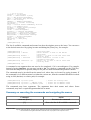
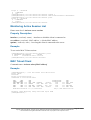
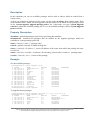
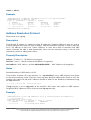
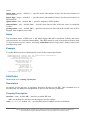
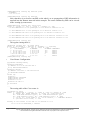
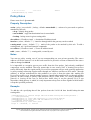
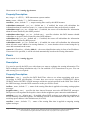
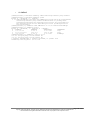
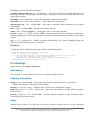
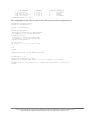
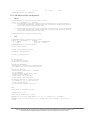
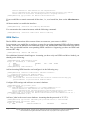
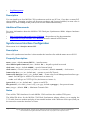
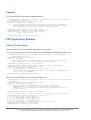
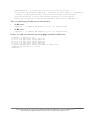
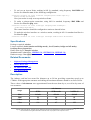
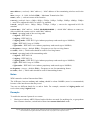
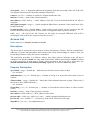
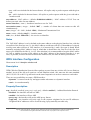
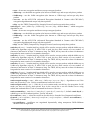
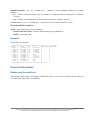
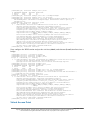
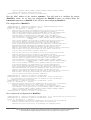
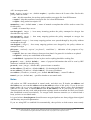
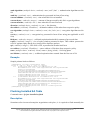
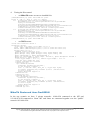
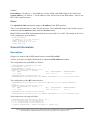
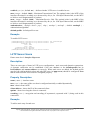
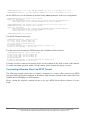
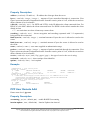
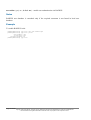
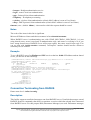
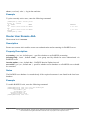
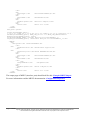
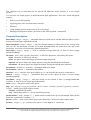
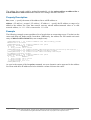
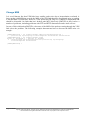
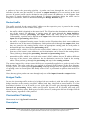
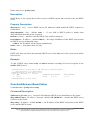
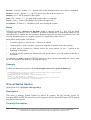
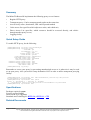
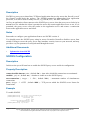
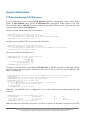
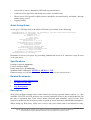
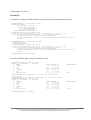
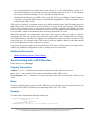
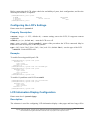
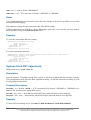
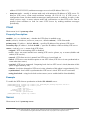
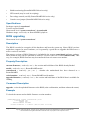
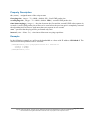
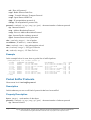
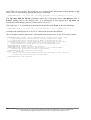
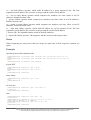
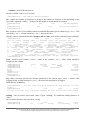
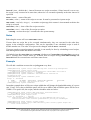
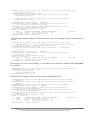
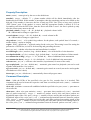
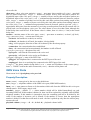
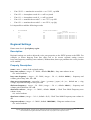
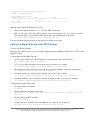
[admin@MikroTik] system gps> print
enabled: yes
port: serial0
set-system-time: yes
[admin@MikroTik] system gps>
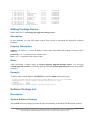
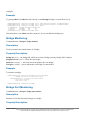
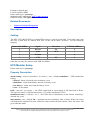
GPS Monitoring
Home menu level: /system gps monitor
Description
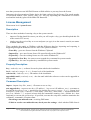
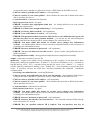
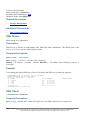
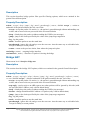
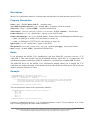
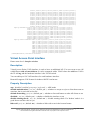
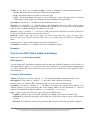
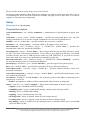
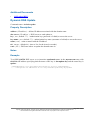
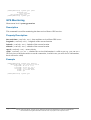
This command is used for monitoring the data received from a GPS receiver.
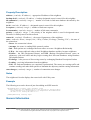
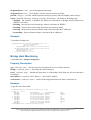
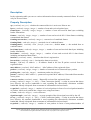
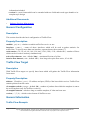
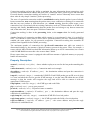
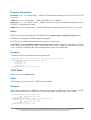
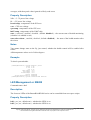
Property Description
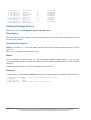
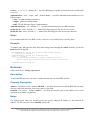
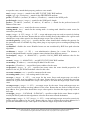
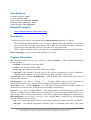
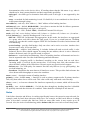
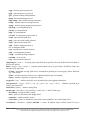
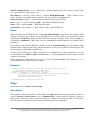
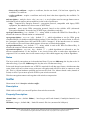
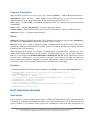
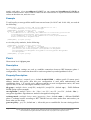
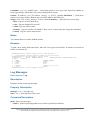
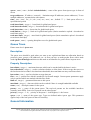
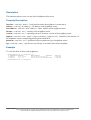
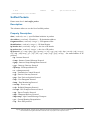
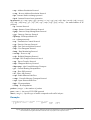
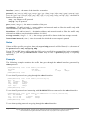
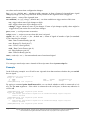
date-and-time ( read-only: text ) - date and time received from GPS server
longitude ( read-only: text ) - longitude of the current location
latitude ( read-only: text ) - latitude of the current location
altitude ( read-only: text ) - altitude of the current location
speed ( read-only: text ) - mean velocity
valid ( read-only: yes | no ) - whether the received information is valid or not (e.g. you can set a
GPS receiver to the demo mode to test the connection, in which case you will receive information,
but it will not be valid)
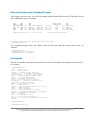
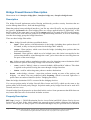
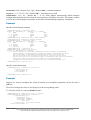
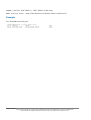
Example
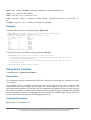
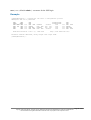
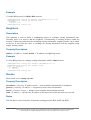
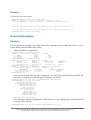
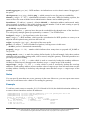
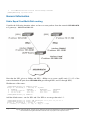
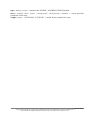
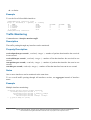
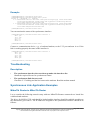
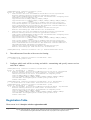
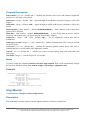
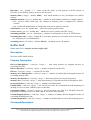
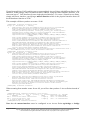
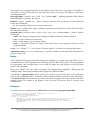
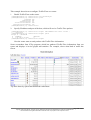
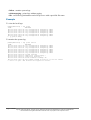
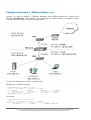
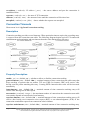
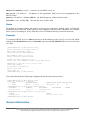
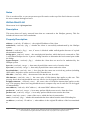
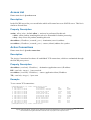
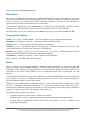
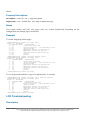
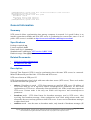
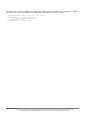
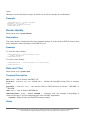
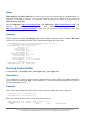
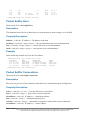
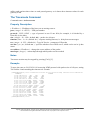
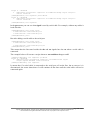
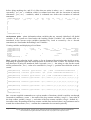
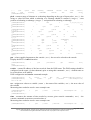
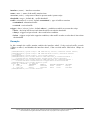
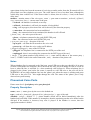
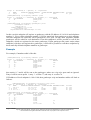
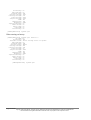
[admin@MikroTik] system gps> monitor
date-and-time: jul/23/2003 12:25:00
longitude: "E 24 8' 17''"
latitude: "N 56 59' 22''"
altitude: "-127.406400m"
speed: "0.001600 km/h"
valid: yes
[admin@MikroTik] system gps>
Page 570 of 695
Copyright 1999-2005, MikroTik. All rights reserved. Mikrotik, RouterOS and RouterBOARD are trademarks of Mikrotikls SIA.
Other trademarks and registred trademarks mentioned herein are properties of their respective owners.