1
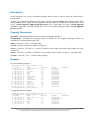
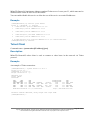
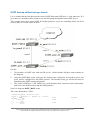
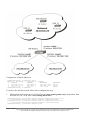
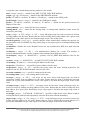
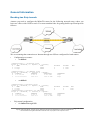
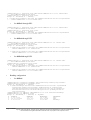
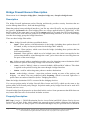
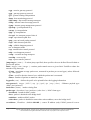
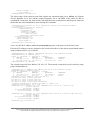
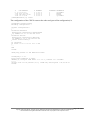
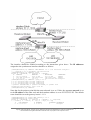
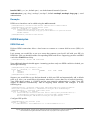
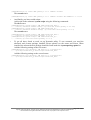
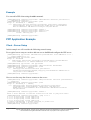
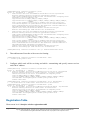
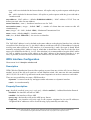
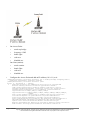
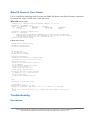
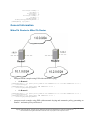
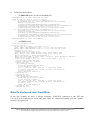
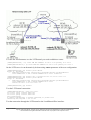
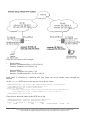
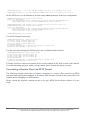
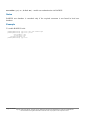
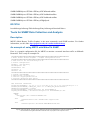
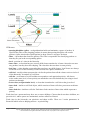
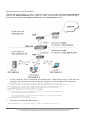
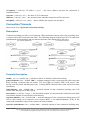
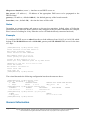
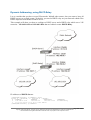
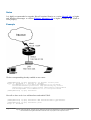
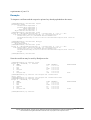
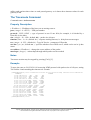
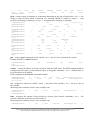
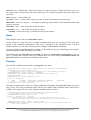
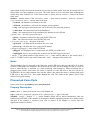
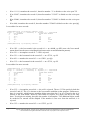
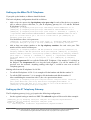
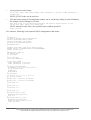
[admin@HomeOffice] > ip route add dst-address 10.150.1.0/24 gateway 10.0.103.2
[admin@RemoteOffice] > ip route add dst-address 10.150.2.0/24 gateway 10.0.103.1
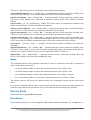
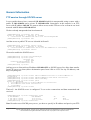
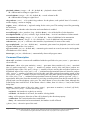
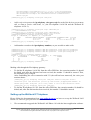
On the PPTP server it can alternatively be done using routes parameter of the user configuration:
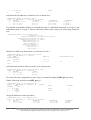
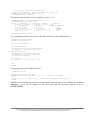
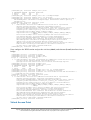
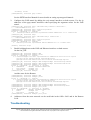
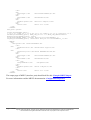
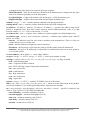
[admin@HomeOffice] ppp secret> print detail
Flags: X - disabled
0
name="ex" service=pptp caller-id="" password="lkjrht" profile=default
local-address=10.0.103.1 remote-address=10.0.103.2 routes==""
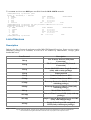
[admin@HomeOffice] ppp secret> set 0 routes="10.150.1.0/24 10.0.103.2 1"
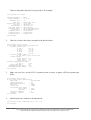
[admin@HomeOffice] ppp secret> print detail
Flags: X - disabled
0
name="ex" service=pptp caller-id="" password="lkjrht" profile=default
local-address=10.0.103.1 remote-address=10.0.103.2
routes="10.150.1.0/24 10.0.103.2 1"
[admin@HomeOffice] ppp secret>
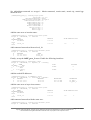
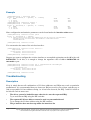
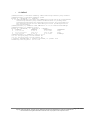
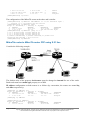
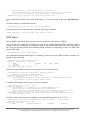
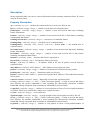
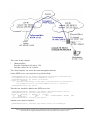
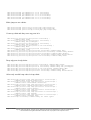
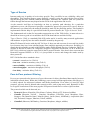
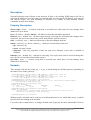
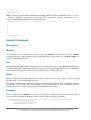
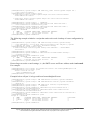
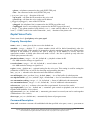
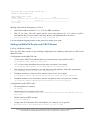
Test the PPTP tunnel connection:
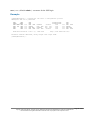
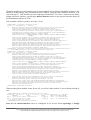
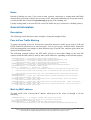
[admin@RemoteOffice]> /ping 10.0.103.1
10.0.103.1 pong: ttl=255 time=3 ms
10.0.103.1 pong: ttl=255 time=3 ms
10.0.103.1 pong: ttl=255 time=3 ms
ping interrupted
3 packets transmitted, 3 packets received, 0% packet loss
round-trip min/avg/max = 3/3.0/3 ms
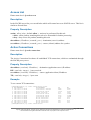
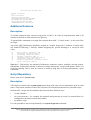
Test the connection through the PPTP tunnel to the LocalHomeOffice interface:
[admin@RemoteOffice]> /ping 10.150.2.254
10.150.2.254 pong: ttl=255 time=3 ms
10.150.2.254 pong: ttl=255 time=3 ms
10.150.2.254 pong: ttl=255 time=3 ms
ping interrupted
3 packets transmitted, 3 packets received, 0% packet loss
round-trip min/avg/max = 3/3.0/3 ms
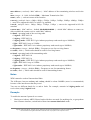
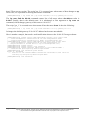
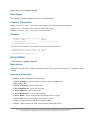
To bridge a LAN over this secure tunnel, please see the example in the 'EoIP' section of the manual.
To set the maximum speed for traffic over this tunnel, please consult the 'Queues' section.
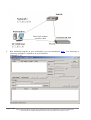
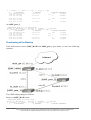
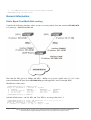
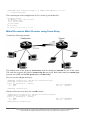
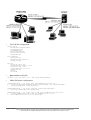
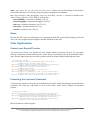
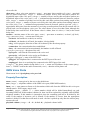
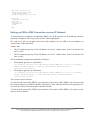
Connecting a Remote Client via PPTP Tunnel
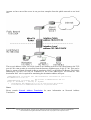
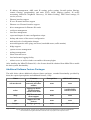
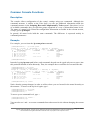
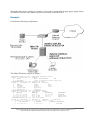
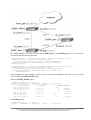
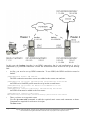
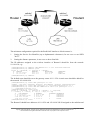
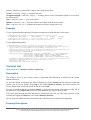
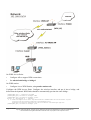
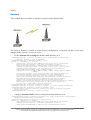
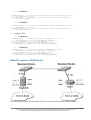
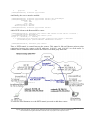
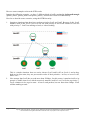
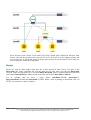
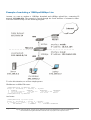
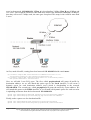
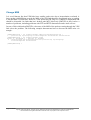
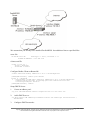
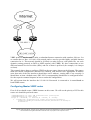
The following example shows how to connect a computer to a remote office network over PPTP
encrypted tunnel giving that computer an IP address from the same network as the remote office has
(without need of bridging over EoIP tunnels)
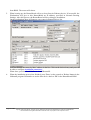
Please, consult the respective manual on how to set up a PPTP client with the software You are
using.
Page 352 of 695
Copyright 1999-2005, MikroTik. All rights reserved. Mikrotik, RouterOS and RouterBOARD are trademarks of Mikrotikls SIA.
Other trademarks and registred trademarks mentioned herein are properties of their respective owners.