1
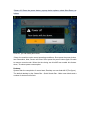
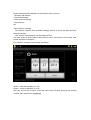
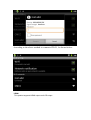
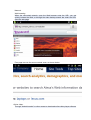
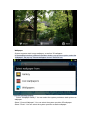
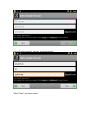
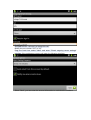
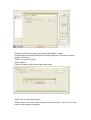
Your touch the screen keep a time, appear the dialog box as shown below:
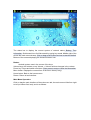
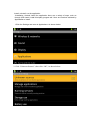
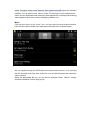
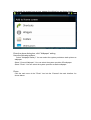
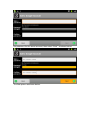
Enter the above dialog box, click” Wallpaper” setting,
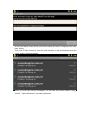
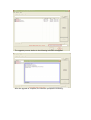
Have the following options:
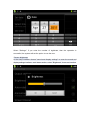
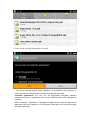
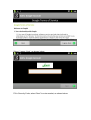
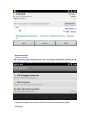
Select "Wallpaper Gallery": You can select the system provides a static picture as
wallpaper.
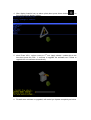
Select "Current Wallpaper": You can select the system provides 3D wallpaper.
Select "Photo": You can select the system provides as static wallpaper.
Photo:
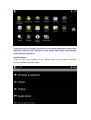
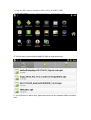
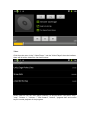
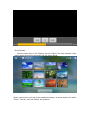
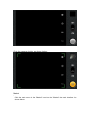
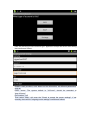
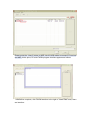
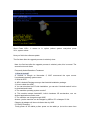
Click the main menu in the "Photo" icon into the "Camera" the main interface. As
shown below: