1
40
CHAPTER 3. CONTROL PANEL
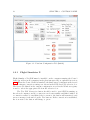
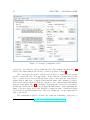
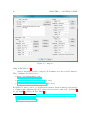
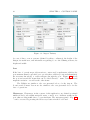
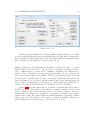
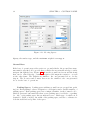
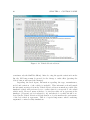
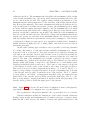
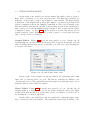
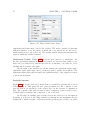
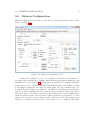
Figure 3.19: Vehicle Selection Screen
sometimes only the SimTitle differs). After choosing the specific variation from the
list, the OK button must be pressed for the change to make effect (pressing the
Cancel button will cancel the changes).
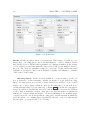
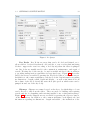
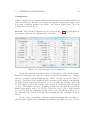
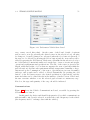
Regarding the Real Agent, information regarding the type, manufacturer,
model and variation of the vehicle is included. This information should match
the information retrieved from the Vehicle Selection Screen as much as possible (the
simulated vehicle will perform closer to reality when it corresponds to the actual
vehicle used). However, many vehicles to be used in reality are not present at the
simulator (or haven’t yet been adapted to it), and therefore a vehicle should be selected (in the Vehicle Selection Screen) that more closely matches the performance
of the real vehicle it represents. This is of special importance when considering
augmented or mixed reality simulations.