1
C.1 How to work with eMersion
237
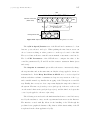
− The documentation associated to the experimentation module, explanations
of the theory to solve the problems, brief description of the hardware to
be remotely manipulated, description of the graphical user interface used
to carry out the remote experiences in simulation and remote mode and,
finally, a description of the experiments to perform.
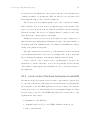
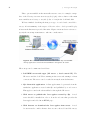
− The client interface: A Java applet (created by Ejs) to interact with the
process. By means of this GUI is possible to perform the hands-on activities using a mathematical model of the process (virtual-lab), or accessing
remotely to the real plant in the lab through Internet (remote-lab).
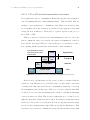
The main features of the environment are described in the next section. The
functional architecture of each module that constitutes the system is also presented.
C.1.3
Interface and eMersion functionalities
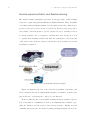
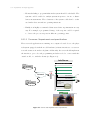
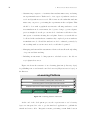
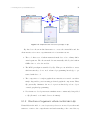
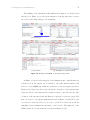
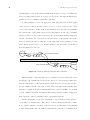
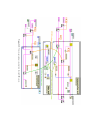
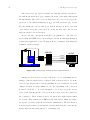
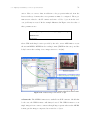
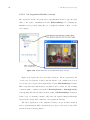
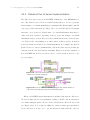
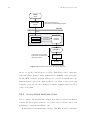
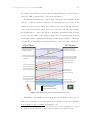
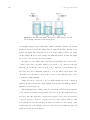
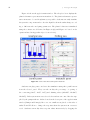
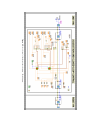
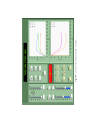
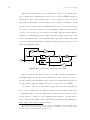
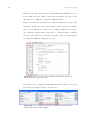
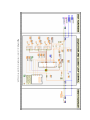
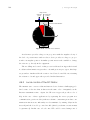
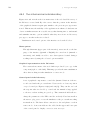
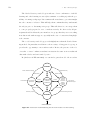
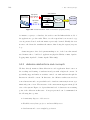
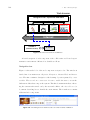
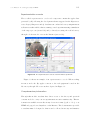
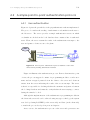
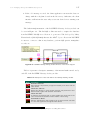
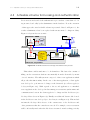
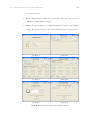
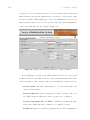
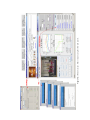
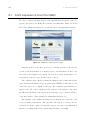
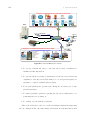
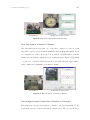
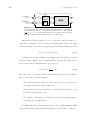
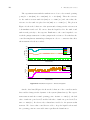
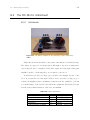
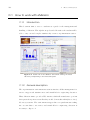
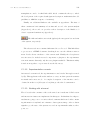
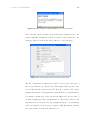
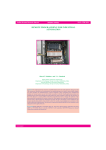
Figure C.1 shows the remote experimentation environment facade. The functionality of each work module that compose the system is described hereafter.
C.1.3.1 Navegation bar
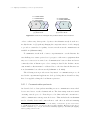
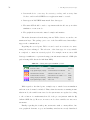
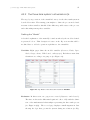
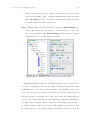
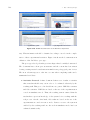
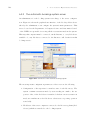
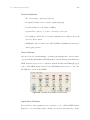
The navegation bar is located on the top of the eMersion Web-application. This
window allows users to get access to the set of Web modules which compose the
environment. The Objective field contains a description about the fundamental
objective pursued with the experimental activity. On the other hand, each icon
located inside the Navegation area is used to access to the different Web modules
of the system and, at the same time, to the documentation associated to each
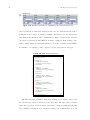
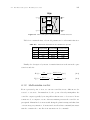
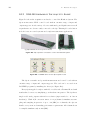
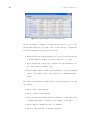
practice. The icons are described below:
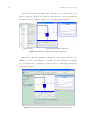
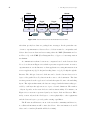
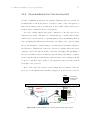
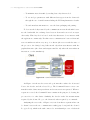
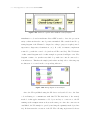
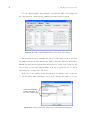
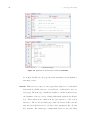
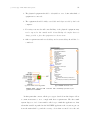
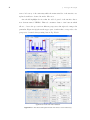
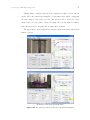
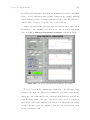
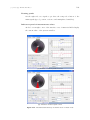
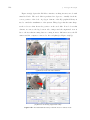
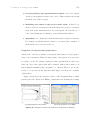
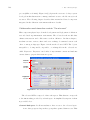
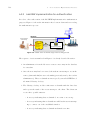
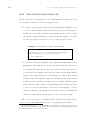
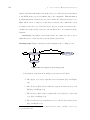
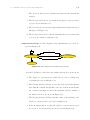
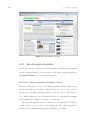
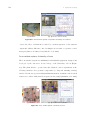
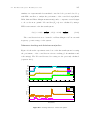
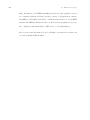
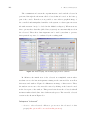
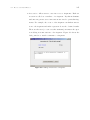
The client interface of a remote and virtual lab (it also so-called Telemanipulation console) is obtained by pushing this icon. This window allows
students to carry out all the laboratory experiences such as they did it in the f2f
laboratory.