1
Install Methods
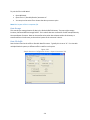
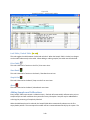
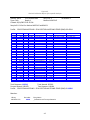
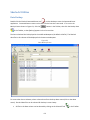
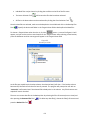
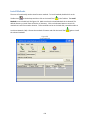
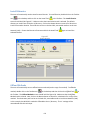
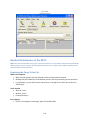
The user will occasionally need to install custom methods. To install methods, double click on the
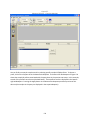
Toolbox Icon
on the desktop and then click on the Install Tool
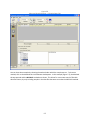
in the Toolbox. The Install
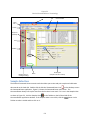
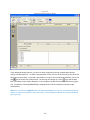
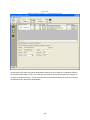
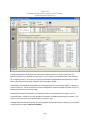
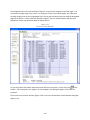
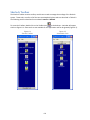
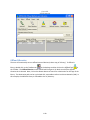
Methods screen should look like Figure 6-6. Make sure that the Install Methods tab is selected. The
default directory to install from will be the A:\ directory. Click on the Browse button to search for
methods to install from another location. These methods can be on the hard disk, removable media or
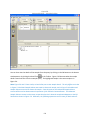
Local Area Network (LAN). Choose the methods of interest and click the Install Tool
the selected methods.
Figure 6-6
Install Methods
6-8
again to install