1
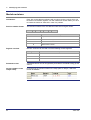
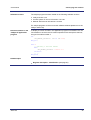
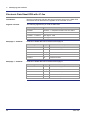
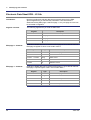
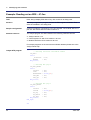
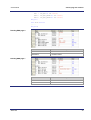
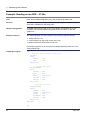
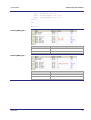
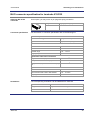
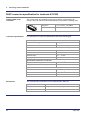
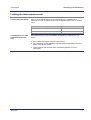
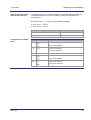
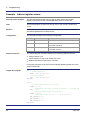
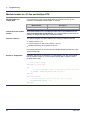
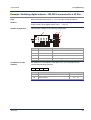
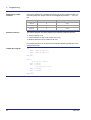
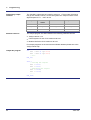
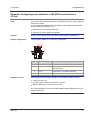
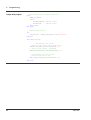
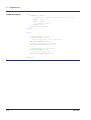
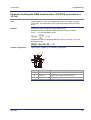
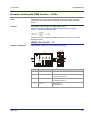
3 Identifying the module Example: Reading out an EDS - JC-3xx Task Have JetSym display EDS data of any JX3 module in its Setup pane. Solution In a JetSym application program, declare the EDS registers variables. Then enter the variables in the setup pane. Sample configuration A JX3-xxx module is connected to a JC-3xx controller. The module JX3-xxx is part of a JX3 station and its module number is 2. Software versions The sample program has been tested on the following software versions: JetSym version 4.4.3 Control system JC-350 of OS version 1.16.0.00 Module JX3-DO16 of OS version 2.35.0.00 For sample programs on the most recent software releases please turn to the JetSym online help. JetSym STX program Type // Defining interface and module number JX3_EDS: Struct _Interface : Int; Module : Int; End_Struct; // Defining EDS page 0 JX3_EDS_PAGE0: Struct Version : Int; Code : Int; ModuleName : String[31]; PCB_REV : Int; PCB_Opt : Int; End_Struct; // Defining EDS page 1 JX3_EDS_PAGE1: Struct Version : Int; Sernum : String[19]; TS_Day : Int; TS_Month : Int; TS_Year : Int; End_Struct; End_Type; Var 32 Jetter AG