1
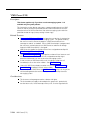
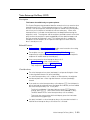
Station Unlock (F22)
Description
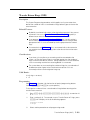
This feature is available only at extension 10 or 11.
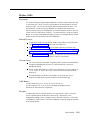
This feature lets you unlock a specific user’s locked extension. Use this feature
when a user forgets the code he or she used to lock the extension.
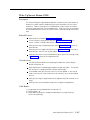
Related Features
Use Station Lock to lock an extension.
Considerations
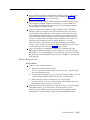
It is recommended that you do not program this feature on a button.
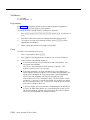
Using
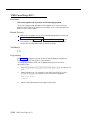
System Phone
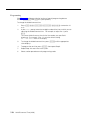
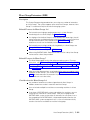
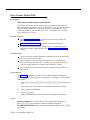
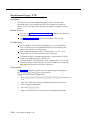
From extension 10 or 11 only:
1.
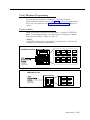
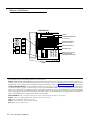
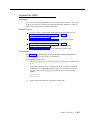
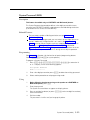
Press f 2 2.
2.
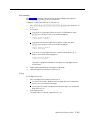
Dial the extension number or use an Auto Dial or Manual Signaling button for
the extension that you want to unlock.
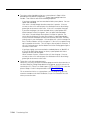
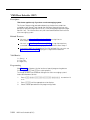
The extension is unlocked. If that extension used a Station Lock button
with lights to activate the feature, the green light goes off.
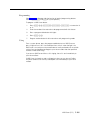
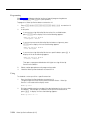
Standard Phone
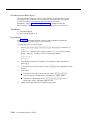
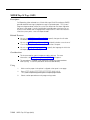
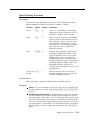
From extension 10 or 11 only:
5-168
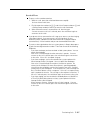
1.
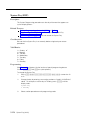
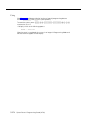
Press # 2 2.
2.
Dial the number of the extension that you want to unlock.
The extension is unlocked.
Station Unlock (F22)