1
2.0 GFM GRAPHICAL USER INTERFACE
2.1 Basic Functions
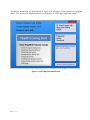
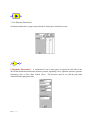
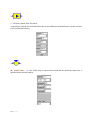
The GFM software has been developed using the existing KYPIPE graphical user interface to allow
a more seamless migration of data files developed using GFM to KYPIPE to provide additional
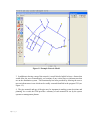
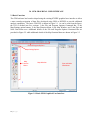
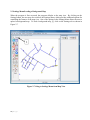
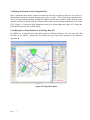
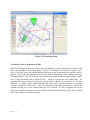
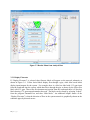
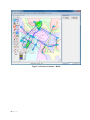
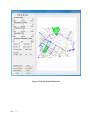
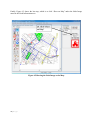
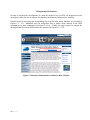
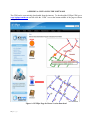
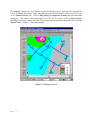
analysis capabilities. The basic GFM GUI is shown in Figure 2.1. As can be seen from the figure,
the GUI is divided into five sections: 1) the File and Program Options Command Bar, 2) the
Map/Settings option buttons, 3) the Map Function Menu, 4) the Map Window, and 5) the Pipe and
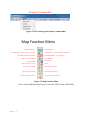
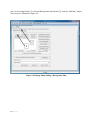
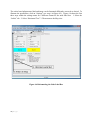
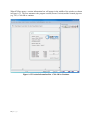
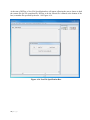
Node Data Menu area. Additional details of the File and Program Options Command Bar are
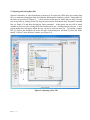
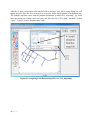
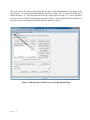
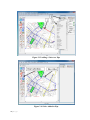
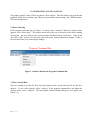
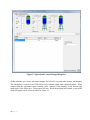
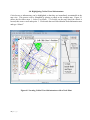
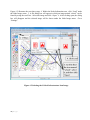
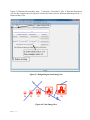
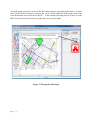
provided in Figure 2.2 while additional details of the Map Function Menu are shown in Figure 2.3.
File and Program Options
Map Setting Options
Map
Function
Menu
Map Window
Pipe and Node
Data Menu
Figure 2.1 Basic GFM Graphical User Interface
13 | P a g e