1
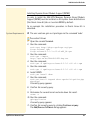
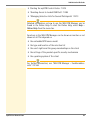
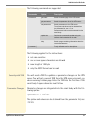
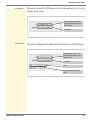
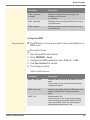
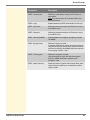
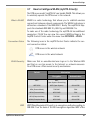
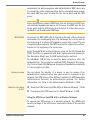
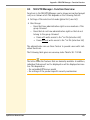
Administration Methods 2.1 Which Functions Are Supported? Administration via myUTN Control Center The myUTN Control Center includes all features for the administration and monitoring of the UTN server. The myUTN Control Center is stored in the UTN server and can be displayed by means of a browser software (e.g. Mozilla Firefox). Requirements The UTN server is connected to the network and the mains voltage. The UTN server has a valid IP address. Starting the myUTN Control Center Proceed as follows: 1. Open your browser. 2. Enter the IP address of the UTN server as the URL. The myUTN Control Center appears. If the myUTN Control Center is not displayed, check the proxy settings of your browser. You can also start the myUTN Control Center via the software tool 'SEH UTN Manager': Mark the UTN server in the selection list and select UTN server –Configure from the menu bar. myUTN User Manual Linux 19