1
Chapter 7. InfoStore module
7.1. Overview
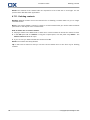
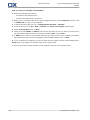
Use one of the following methods to open the InfoStore module:
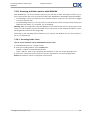
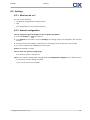
In the title bar click the InfoStore
icon.
On the start page click on the title bar of the InfoStore module window.
In the complete folder tree click on any InfoStore folder below InfoStore.
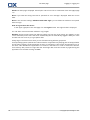
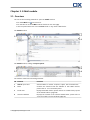
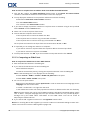
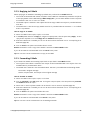
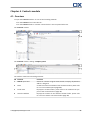
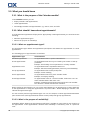
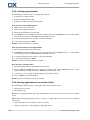
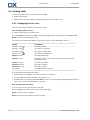
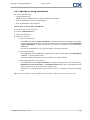
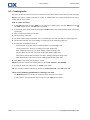
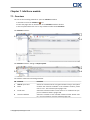
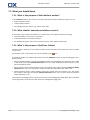
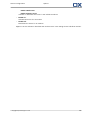
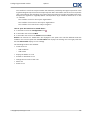
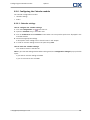
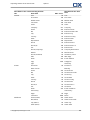
The InfoStore module:
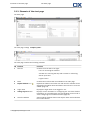
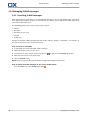
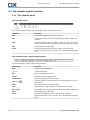
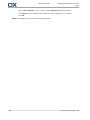
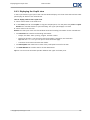
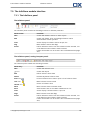
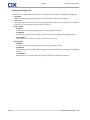
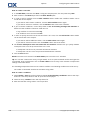
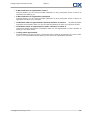
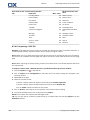
The InfoStore module, settings Compact panel:
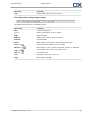
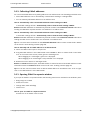
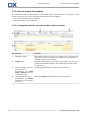
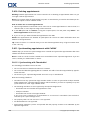
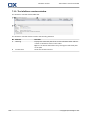
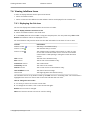
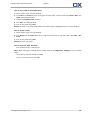
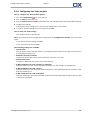
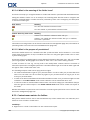
The module contains the following elements:
No. Element
Function
1
Search input field
Search for InfoStore entries using the InfoStore entry's description
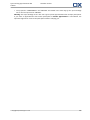
2
Panel
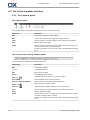
Contains the functions available in the InfoStore module, please
refer to 7.3.1: The InfoStore panel (page 135).
3
Folder tree
Shows the InfoStore folders. Please refer to 7.2.3: What is the purpose of InfoStore folders? (page 134).
4
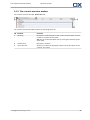
Overview window
Shows the contents of the selected InfoStore folder. Please refer
to 7.3.2: The InfoStore overview window (page 136).
© Copyright Open-Xchange Inc. 2012
133