1
Using the Workwindows
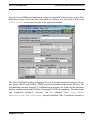
The Workwindow Input Screen
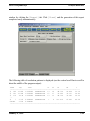
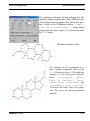
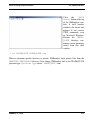
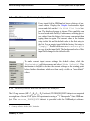
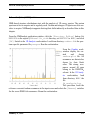
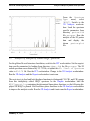
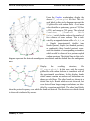
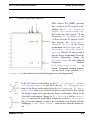
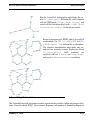
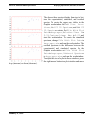
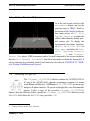
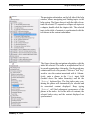
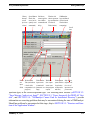
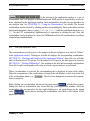
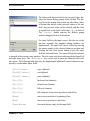
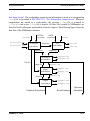
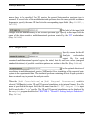
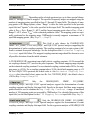
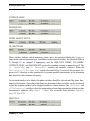
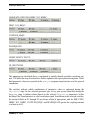
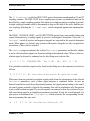
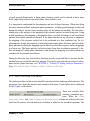
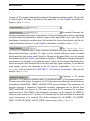
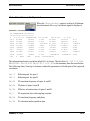
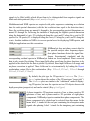
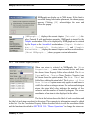
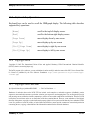
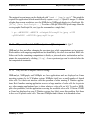
The button with the text label in the previous figure displays the shown History popup when clicked. The history list in this popup shows from top (the oldest value)
to bottom (the newest value) previous values of the text
field. Any previous value can be selected, and the value
is copied back to the input field when [OK] is clicked.
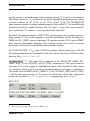
The [Cancel] button removes the History popup
without changing the text field content.
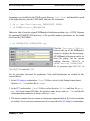
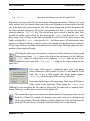
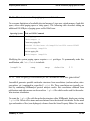
For input fields in the input screen, like the one in the
previous example, the standard editing facilities are
implemented. An input field can be edited by moving
the mouse pointer to the desired character position and
clicking the first (left) mouse button to give the input
field the keyboard focus. Text entered from the keyboard
is inserted at the current cursor position. The text cursor can be moved using the keyboard left
and right arrow keys. The [Backspace] key can be used to erase the character before the
text cursor. The following table describes the implemented additional control characters supported by workwindow input fields:
[Ctrl][Insert]
copy clipboard
[Shift][Delete]
cut clipboard
[Shift][Insert]
paste clipboard
[Ctrl][b]
backward one character
[Ctrl][f]
forward one character
[Ctrl][d]
kill next character
[Ctrl][k]
kill characters from cursor position to end of line
[Home]
move cursor position to beginning of line
[End]
move cursor position to end of line
[Down Arrow]
show next history entry for the input field
January 11, 2010
12-4