1
Chapter 2. Hardware Setup
Rack Mounting
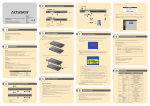
The KH1508A / KH1516A can be mounted in a 19" (1U) rack. The mounting
brackets can screw into either the front or the back of the unit so that it can
attach to the front or the back of the rack. To rack mount the unit:
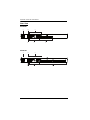
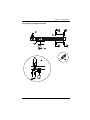
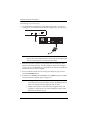
1. Remove the screws at the front or the rear, as shown in the diagram below.
Phillips head hex
M3 x 6
Phillips head hex
M3 x 6
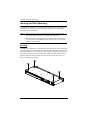
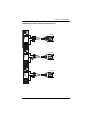
2. Screw the mounting brackets into the sides of the unit at the front or the
rear, as shown in the diagram below.
Phillips head hex
M3 x 8
Phillips head hex
M3 x 8
3. Slide the unit into the front or rear of the rack and secure it to the rack.
13