1
S:
TI
P
CK
UI
Q
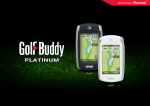
New in 3.0: Track Menu
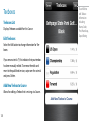
Track Menu
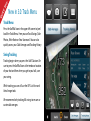
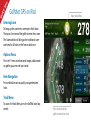
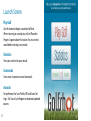
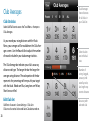
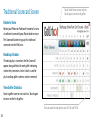
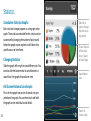
Press the Golf Ball icon in the upper left corner to ‘peel
back’ the Track Menu. Here you can Track Swings, Take
Photos, Write Notes or View Scorecard. You can also
quickly access your Club Averages and Tracking History.
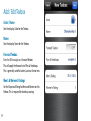
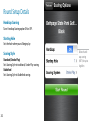
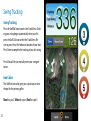
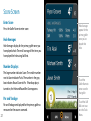
Swing Tracking
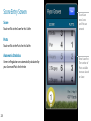
Tracking begins when you press the Golf Club icon. Be
sure to press the Golf Ball icon at the teebox or location
of your shot and then when you get to your ball, save
your swing.
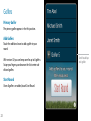
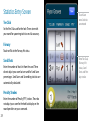
While tracking you can still use the GPS List View and
Aerial image tools.
We recommend only tracking full swings to ensure accurate club averages.