1
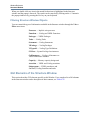
Toolbars
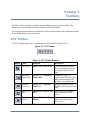
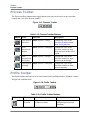
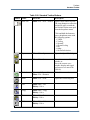
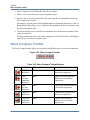
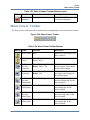
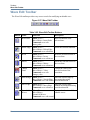
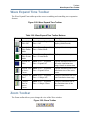
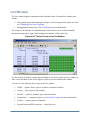
Standard Toolbar
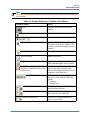
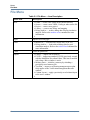
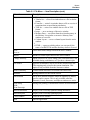
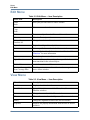
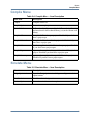
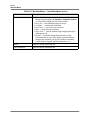
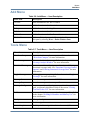
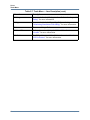
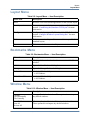
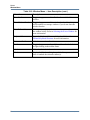
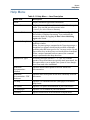
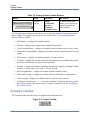
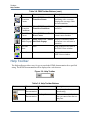
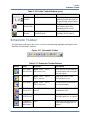
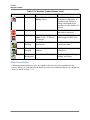
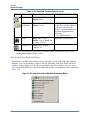
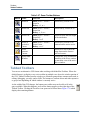
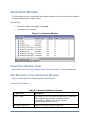
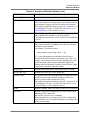
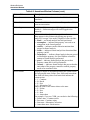
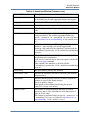
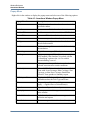
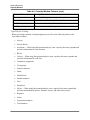
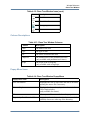
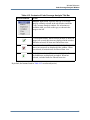
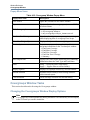
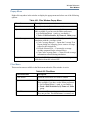
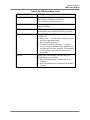
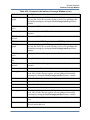
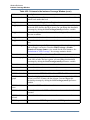
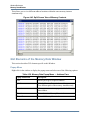
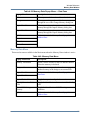
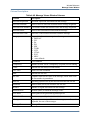
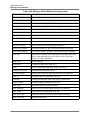
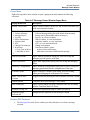
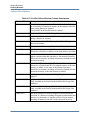
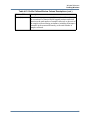
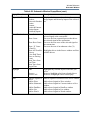
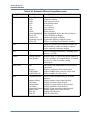
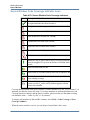
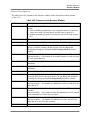
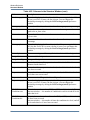
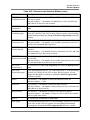
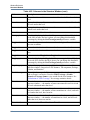
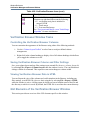
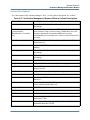
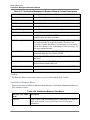
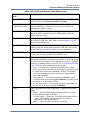
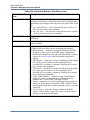
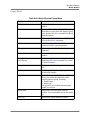
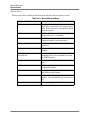
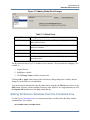
Table 3-20. Standard Toolbar Buttons
Button
Name
Shortcuts
Description
New File
Menu: File > New > Source
Opens a new Source text file.
The icon changes to reflect the
default file type set with the
Set Default Action menu pick
from the dropdown menu.
Click and hold the button to
open a dropdown menu with
the following options:
• VHDL
• Verilog
• SystemC
• SystemVerilog
• Do
• Other
• Set Default Action
Open
Menu: File > Open
Opens the Open File dialog
Save
Menu: File > Save
Saves the contents of the active
window or
Saves the current wave
window display and signal
preferences to a macro file
(DO fie).
Reload
Command: Dataset Restart
Menu: File > Datasets
Reload the current dataset.
Print
Menu: File > Print
Opens the Print dialog box.
Cut
Menu: Edit > Cut
Hotkey: Ctrl+x
Copy
Menu: Edit > Copy
Hotkey: Ctrl+c
Paste
Menu: Edit > Paste
Hotkey: Ctrl+v
Undo
Menu: Edit > Undo
Hotkey: Ctrl+z
ModelSim SE GUI Reference Manual, v10.2c
71