1
2.3 Installing Hardware
2.3 Installing Hardware:
Connect the power supply unit to the programmer board using
the 9 pin DIN connector(CON1) marked as ‘POWER’.
Connect the programmer to the host computer using serial
port cable.
Switch on the power supply to the programmer board.
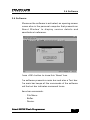
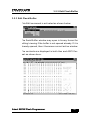
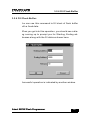
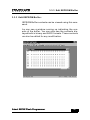
Execute the application (Atmel Flash Programmer) from the
Start -> Programs menu. An opening screen comes up with
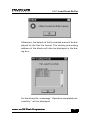
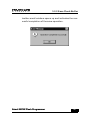
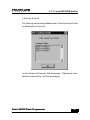
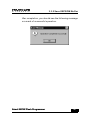
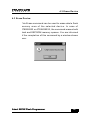
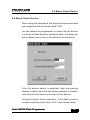
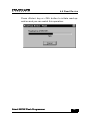
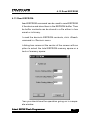
an ‘About’ dialog box. If the PC is not able to establish communication via serial port (COM2 - default), it will give an error
message “Cannot establish communication”. This indicates
that the assigned COM port is not available for this application.
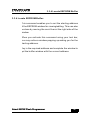
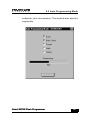
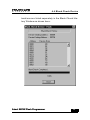
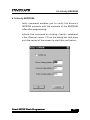
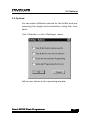
At this juncture select the <settings> option and use serial
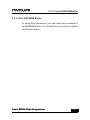
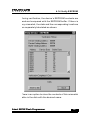
port settings to change the COM port to establish communication. If the selected COM port is free, the communication is
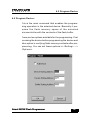
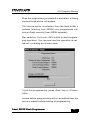
established and the device programming can be started.
Atmel 89CXX Flash Programmer
9