1
3.3 Searching Supervisees’ Emails
If the administrator has set granted the user permission to view other user’s mail in the Access Permission,
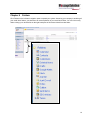
then the supervisee’s name will appear under the supervisees tab in the navigation panel. To view or search a
given supervisee’s email, click each user’s link and fill in appropriate search criteria. By clicking the link titled
“All Supervisees,” the user is able to search through all supervisee’s emails at once.
3.4 Send Emails
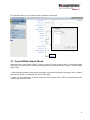
Administrator can select emails from the search result and send to other mailbox.
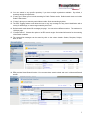
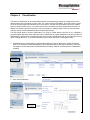
1. After conducting a search, in the search result page, check the box on the left of each email, enter an email
address then click on Send To button.
2. Selected emails will be zipped up and each email is in EML format and sent to the destination. You can
send these emails to internal and external email address.
Note: sometimes emails are not received after sending out the emails. This could be due to DNS not
properly configured on the archiving server. Or administrator can configure an MTA for relaying
emails. .
9