1
site will show.
•
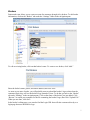
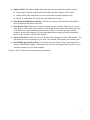
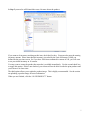
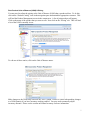
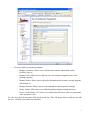
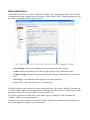
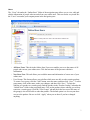
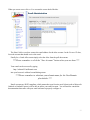
Customers: A list of your clients will appear under the Customer folder. Clicking on the plus
sign (+) next to each customer name will show administration options for that company. Note
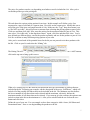
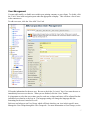
that each customer will have the same four areas as are listed under your printing company
(Estimates, Orders, Settings, Users) in addition to a few more options.
•
Data Export: Features under this folder allow you to put data into Excel and JDF formats. You
can also get detailed order and usage reports.
•
Other Options: Contains technical support information as well as refresh and logout options.
7