1
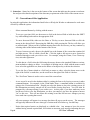
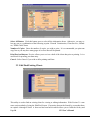
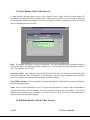
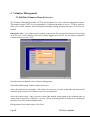
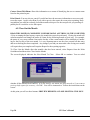
When you select Preview Reports you will see a box which says:
“Enter the Number of Newspaper Articles/Announcements/Interviews” (Enter a zero or the correct number) then click “OK” and another box will appear which says:
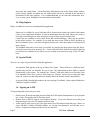
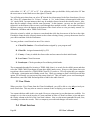
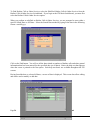
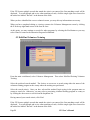
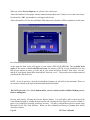
“Enter the number of Television and Radio PSAs/Interviews (Number of PSAs submitted, not the num-
ber of times each spot was aired) then click “OK”
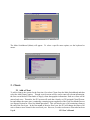
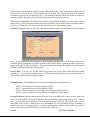
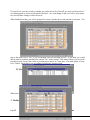
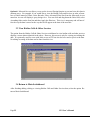
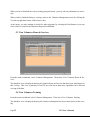
At this point the draft copies will appear on your screen. (SEE NOTE BELOW) You can print draft
copies of the reports or review the data on screen for accuracy. (NOTE: If you would like to be sure
that all your reports are there, go to the top of your screen and select ‘Window’ then select ‘Cascade’
and all of your reports should show lined up like “ducks in a row”) This provides an excellent means of
proofing before the final close.
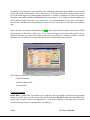
NOTE: If you do not have a Special Non-Resident Contract you will still see the statement “There are
no records to include in the Special Non-Resident Statistical Report”
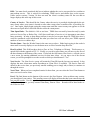
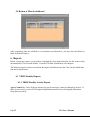
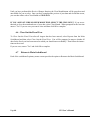
DO NOT select the Close Month button unless you are certain you have finished making corrections or adding data.
Preview your data by selecting the Preview Reports button. You will still be able to back out of the
Close Month function by closing the draft reports and selecting the Stop Sign. The preview of draft reports is very helpful for checking your data's accuracy. You may even print these preview reports using
Microsoft Access File, Print function. When you have finished previewing or printing these drafts,
close their window.
Page 39
ITS User’s Manual