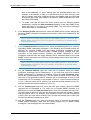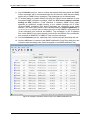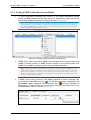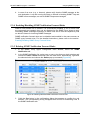
1
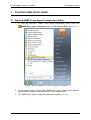
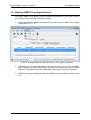
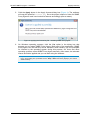
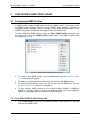
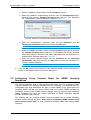
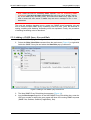
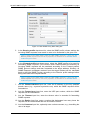
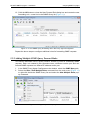
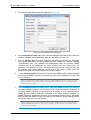
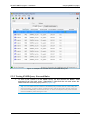
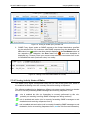
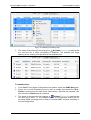
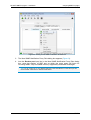
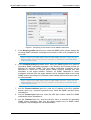
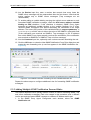
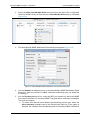
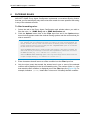
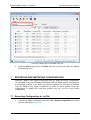
MG-SOFT SNMP Proxy Agent — User Manual 3 Starting SNMP Proxy Agent STARTING SNMP PROXY AGENT 3.1 Starting SNMP Proxy Agent Configuration Utility 1. To start the MG-SOFT SNMP Proxy Agent configuration utility, select the SNMP Proxy Agent Configurator entry from the Windows Start menu (Figure 1). Figure 1: Starting SNMP Proxy Agent Configurator in Windows 7 2. As the program starts, the MG-SOFT SNMP Proxy Agent splash screen appears, displaying the company name and announcing the program itself. 3. The SNMP Proxy Agent Configurator desktop will appear (Figure 2). 7