1
Campus-Wide Budgeting System Tutorial /
95
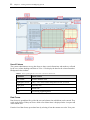
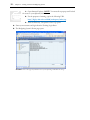
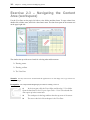
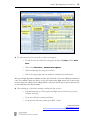
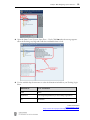
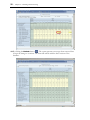
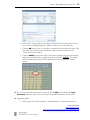
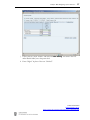
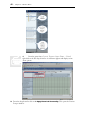
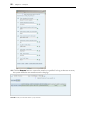
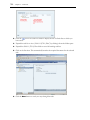
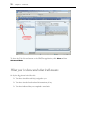
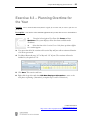
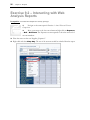
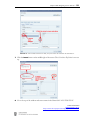
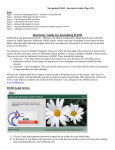
FIGURE 10: To see the entire report, close the left navigation View Pane.
7.
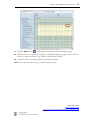
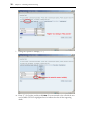
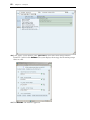
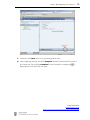
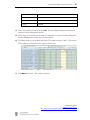
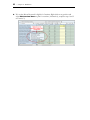
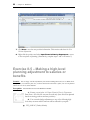
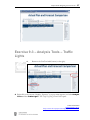
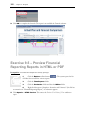
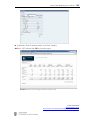
Select “December” in the list of period on the right and observe the change.
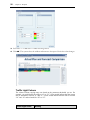
These reports are dynamic. Which means you can change the values of the dimensions to change
the results on the report seen on the screen.
Contact Information
[email protected]
http://www.it.ubc.ca/projects/strategicprojects/titanatlas.html