1
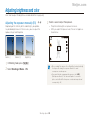
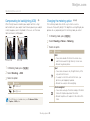
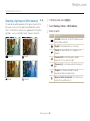
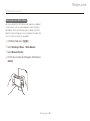
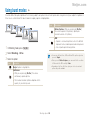
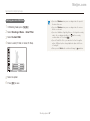
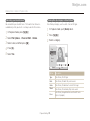
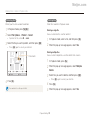
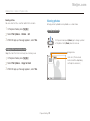
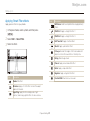
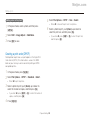
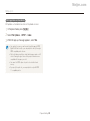
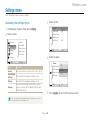
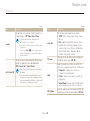
Meijer.com Applying effects/Adjusting images Adjusting your photos p Saturation Description Adjust the sharpness, saturation, or contrast of your photos. - Decrease the saturation. 1 2 3 + Increase the saturation. In Shooting mode, press [m]. Select Shooting Image Adjust. • Select 0 if you do not want to apply any effects (suitable for printing). • If you set any adjustment functions, you cannot use the Face Select an option. Recognition and Smart Filter options. • Contrast • Sharpness • Saturation 4 Adjust each value. Contrast Description - Decrease the color and brightness. + Increase the color and brightness. Sharpness Description - Soften the edges on your photos (suitable for editing the photos on your computer). + Sharpen the edges to improve the clarity of your photos. This may also increase the noise on your photos. Shooting options 68