1
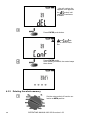
Use
and
each digit.
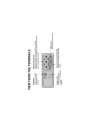
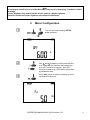
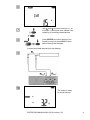
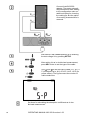
buttons to set the value of
Use SETUP button to move between digits.
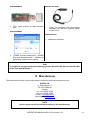
The same code must be entered in the computer programme for wireless transmission. It is used to prevent access of unauthorized persons to the meter via wireless
connections (external entities).
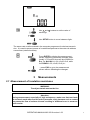
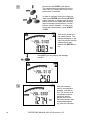
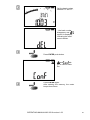
Press ENTER to display the measurement
screen, approving introduced changes (additionally t1, t2 and t3 times will be modified for
RISO: for Ab1/Ab2 t1=15s, t2=60, t3=0, while
for PI/DAR t1=30, t2=60, t3=0) or…
…press ESC to go to the measurement
screen without validating the changes.
3
Measurements
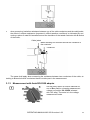
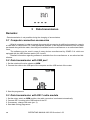
3.1 Measurement of insulation resistance
WARNING:
The object tested must not be live.
Attention:
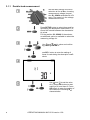
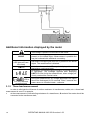
During measurement, especially of high resistances, make sure that test leads
do not touch each other and the probe (crocodile clips), because such a contact
may cause the flow of surface currents resulting in additional error in measurement results.
OPERATING MANUAL MIC-2510 version 1.09
7