1
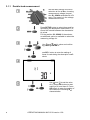
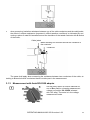
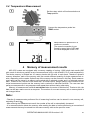
Press and hold START push-button.
The measurement is performed continuously until you release the button or the
pre-set time is reached.
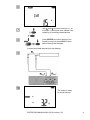
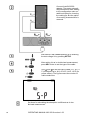
In order to maintain (block) the measurement press ENTER while holding START
button pressed - a triangle with an exclamation mark will be displayed indicating
about automatic measurement, now the
buttons may be released. In order to interrupt the measurement, press START
or ESC.
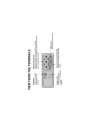
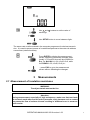
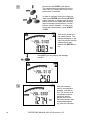
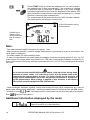
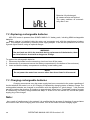
View of the screen during measurement. The
triangle displayed on the
right side means that the
measurement was
started with ENTER button.
Using SEL you may display the leakage
current IL.
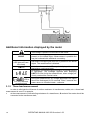
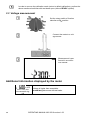
After the measurement is completed or
stopped, read the result. The results of all
completed measurements will be displayed (even when
the measurement was
interrupted/stopped
e.g. after 60 seconds).
10
OPERATING MANUAL MIC-2510 version 1.09