1
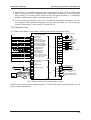
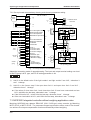
Structure of the control system and the component introduction
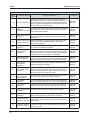
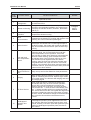
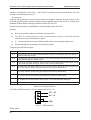
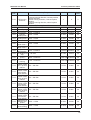
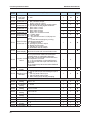
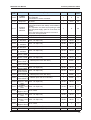
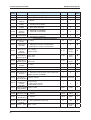
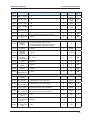
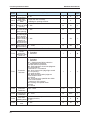
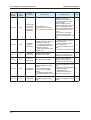
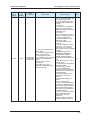
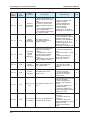
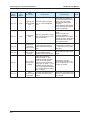
Terminal
NICE3000 User Manual
Function
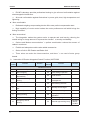
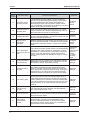
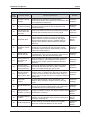
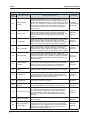
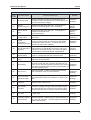
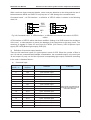
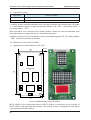
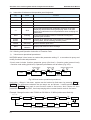
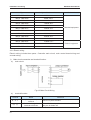
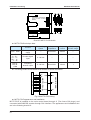
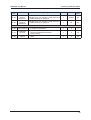
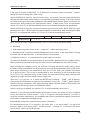
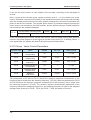
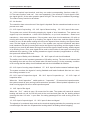
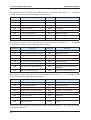
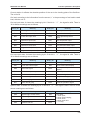
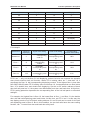
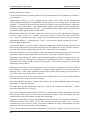
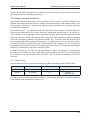
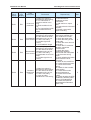
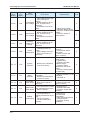
J4
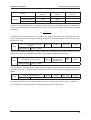
Interface of down call button, 2、3 are the input switch value wiring pin,1、4 are
the power wiring pin,used to control button light
J5
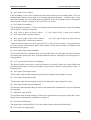
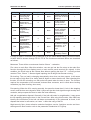
Mod-bus communication and power wire terminal,4PIN interface,2、3 are Modbus communication wire pin,1、4 are power wiring pin.
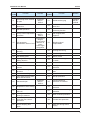
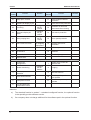
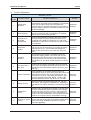
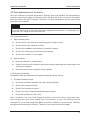
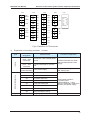
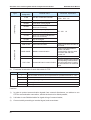
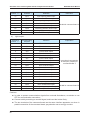
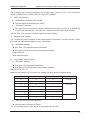
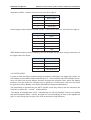
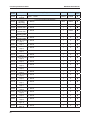
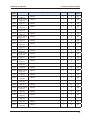
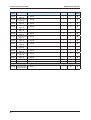
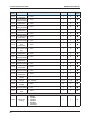
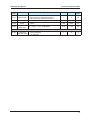
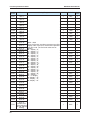
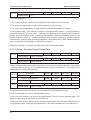
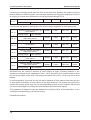
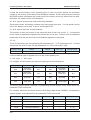
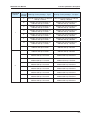
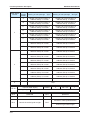
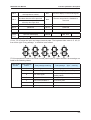
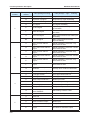
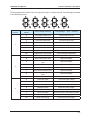
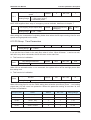
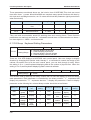
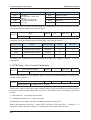
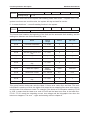
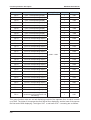
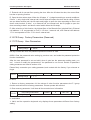
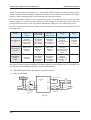
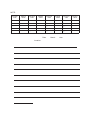
J1~J4 are button interface,details as the following:
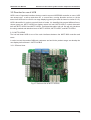
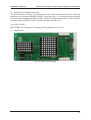
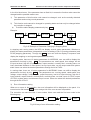
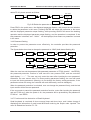
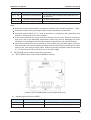
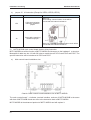
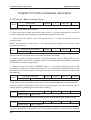
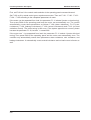
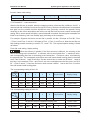
Direction for use of MCTC-HCB-F
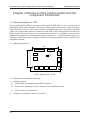
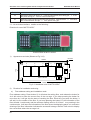
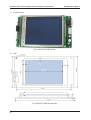
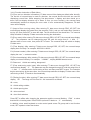
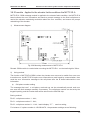
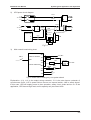
Product Photo of MCTC-HCB-F
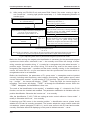
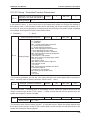
1)
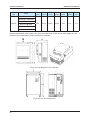
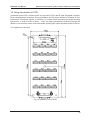
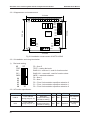
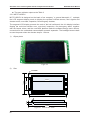
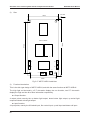
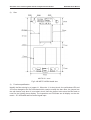
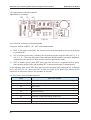
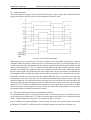
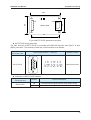
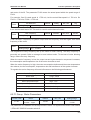
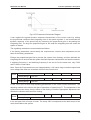
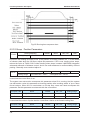
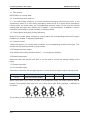
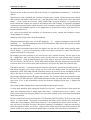
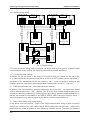
Appearance and size (Shown as Fig 3-13)
R2.5mm
144mm
V
2
S1
V
3
JP2
JP4
D
4
56mm
V
4
70m
m
V
1
CN1
MCTC-HCB-F
JP1
JP3
134mm
Fig 3-13 Installation size of MCTC-HCB-F
2)
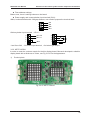
Direction for installation and using
a)
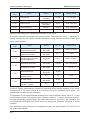
Floor address setting and installation mode
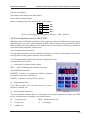
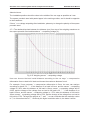
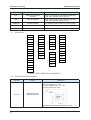
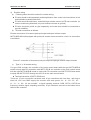
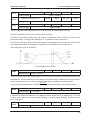
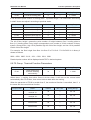
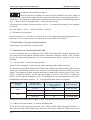
Floor address setting: Press button S1 it will show the setting floor, and release the button for
4s it will return to show the current floor of the car cage. If you keep pressing the button for
more than 4s, it will get into the state of resetting the floor. Each time you press the button, it
will add 1 to the number of the floor. If you keep pressing the button S1, the information of the
floor will add 1 continuously and the maximum setting value is 40. If there’s no pressing in the
continuous 4s, it will store the information of the floor where the displaying panel is in, and twice
shinning of the floor information indicates the successful storage. After 4s it will return to display
the current floor where the car cage is in.
44