1
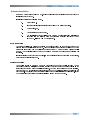
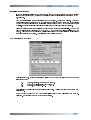
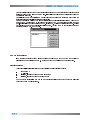
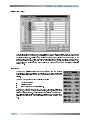
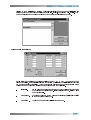
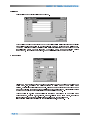
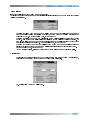
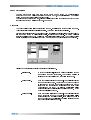
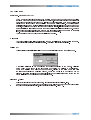
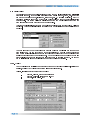
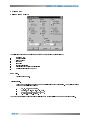
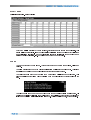
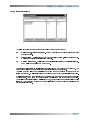
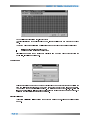
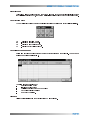
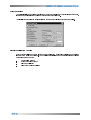
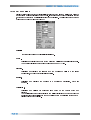
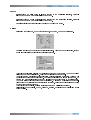
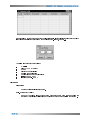
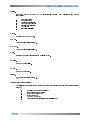
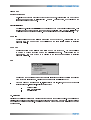
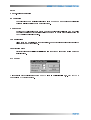
Reports allows to create reports at user defined intervals. If reporting is required at even clock intervals then the clock sync option must be selected (Eg. 12:00, 12:30 etc.). The following parameters are printed: - mobile ID - time (UTC + GMT offset) - speed - distance to a destination - bearing to a destination - destination name (or map location) - latitude (ddmm.mmm) - longitude (ddmm.mmm) FILE MENU Print Setup Standard Printer selection and setup. Exit - shortcut key (Ctrl+X) End of 977 session. If any of the system parameters have been changed during the Barrett 977 session you will be given a choice to save them before exiting the program.




![hank yo_fo buyil_gaSamsung (}a_Te_a ]hs](http://vs1.manualzilla.com/store/data/005691502_1-2e8e29ffb67d0c8f7d0d701e3cb644b7-150x150.png)