1
NTC-4000 Series
Wireless M2M
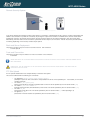
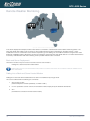
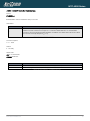
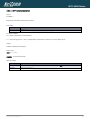
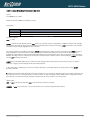
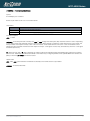
Back-end Server Deployment:
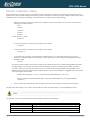
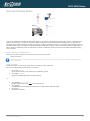
There are a number of ways to access a “back-end” server. Two of these are:
Direct Socket Connection
HTTP POST
Please refer to the AT Command reference document for a full list of functions and connection methods available via the
NTC-4000 Series.
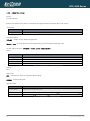
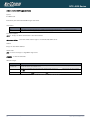
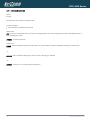
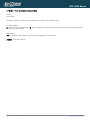
Direct Socket Connection
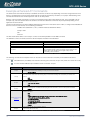
A direct socket connection enables data to be dumped directly to the back-end system.
This can be achieved with the following AT commands:
1.
2.
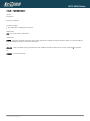
AT+iSTCP:<host>,<port>[,<lport>]
(Opens a TCP client socket and attempts to connect on the specified port to the specified host – If successful, a
socket handle is returned)
AT+iSSND[%]:<hn>,<sz>:<stream>[<checksum>]
(Sends a byte stream of size sz to the socket specified by the socket handle hn)
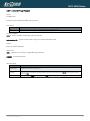
-or2.
3.
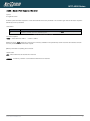
AT+iSFSH[%]:<hn>
(Immediately sends the accumulated data in a TCP sockets outbound buffer)
AT+i[!]SCLS:<hn>
(Closes the socket with socket handle hn)
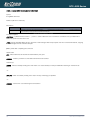
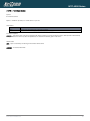
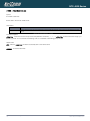
HTTP POST
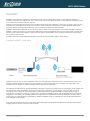
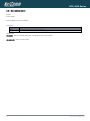
A HTTP POST can be used to send data to a remote web server which then collects it and makes it available to a back-end server.
Alternatively, the data can be posted directly to the back-end server if it supports a direct HTTP connection. This can be achieved
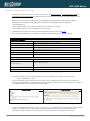
with the following AT commands:
1.
2.
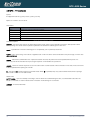
AT+iURL=”<URL Address to use>”
(Specify the URL to post data to)
AT+i[!]SLNK:<text>
(Specify the data to be posted to the URL configured above)
NTC 4000 Series – Intelligent M2M Serial Modem
32
YML-OUM-N4K
www.netcommwireless.com