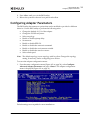
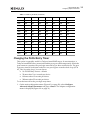
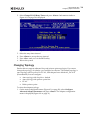
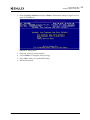
1
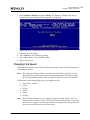
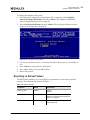
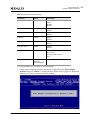
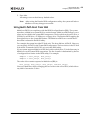
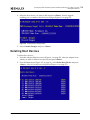
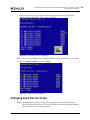
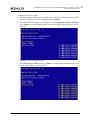
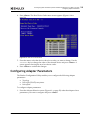
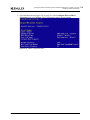
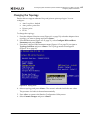
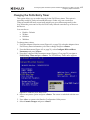
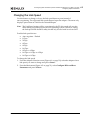
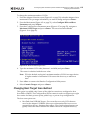
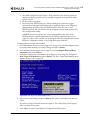
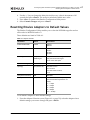
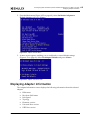
6. Configuring Boot via UEFI HII (Human Interface Infrastructure) in a UEFI 2.1 System Configuring Adapter Parameters Changing the PLOGI Retry Timer This option allows you to set the interval for the PLOGI retry timer. This option is especially useful for Tachyon-based RAID arrays. Under very rare occasions, a Tachyon-based RAID array resets itself and the port goes offline temporarily in the loop. When the port comes to life, the PLOGI retry interval scans the loop to discover this device. You can choose: Disable – Default 50 Msec 100 Msec 200 Msec To change timer values: 1. From the Adapter Selection screen (Figure 6-1 on page 50), select the adapter whose PLOGI retry timer information you want to change and press <Enter>. 2. From the Main menu (Figure 6-2 on page 51), select Configure HBA and Boot Parameters and press <Enter>. 3. From the Configure HBA Parameters menu (Figure 6-15 on page 59), navigate to PLOGI Retry Timer and press <Enter>. The PLOGI Retry Timer menu appears. Figure 6-17 PLOGI Retry Timer Menu Screen 4. Select a retry timer option and press <Enter>. The screen is refreshed with the new value. 5. Press <Esc> to return to the Emulex Configuration Utility menu. 6. Select Commit Changes and press <Enter>. Boot for the Fibre Channel Protocol User Manual P011056-01A Rev. A 61