1
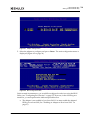
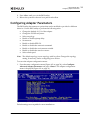
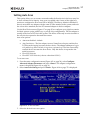
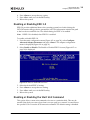
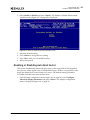
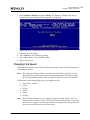
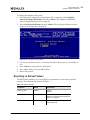
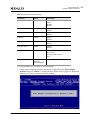
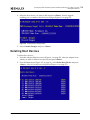
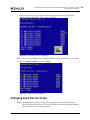
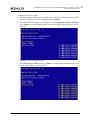
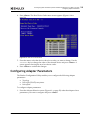
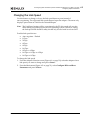
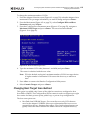
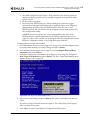
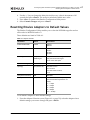
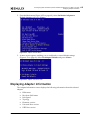
6. Configuring Boot via UEFI HII (Human Interface Infrastructure) in a UEFI 2.1 System Configuring Adapter Parameters Changing the Link Speed Use this feature to change, or force, the link speed between ports instead of auto-negotiating. The supported link speeds depend upon the adapter. The menu only displays options that are valid for the selected adapter. Note: The Link Speed setting will be overwritten by the FC driver and will not take effect during a regular boot into the local operating system. Therefore, setting the link speed from the BIOS utility should only be used with boot from SAN. Possible link speed choices: Auto negotiate – Default 1 Gbps 2 Gbps 4 Gbps 8 Gbps 16 Gbps 8 Gbps or 4 Gbps 16 Gbps or 8 Gbps or 4 Gbps 16 Gbps or 8 Gbps To change the link speed: 1. From the Adapter Selection screen (Figure 6-1 on page 50), select the adapter whose link speed you want to change and press <Enter>. 2. From the Main menu (Figure 6-2 on page 51), select Configure HBA and Boot Parameters and press <Enter>. Boot for the Fibre Channel Protocol User Manual P011056-01A Rev. A 62