1
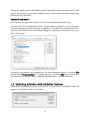
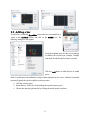
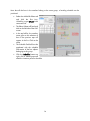
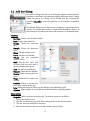
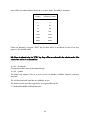
Now that all the bars in the member belong to the same group, a bending schedule can be produced: Select the AddoSoft ribbon tab and click the first icon, Schedule, or type REBAR in the command line. The Rebar Palette will load and dock on the left side of the CAD screen. In the top left list, the member name given to the selection of bars in the previous step will appear in the list. Click on the name The Schedule Table will now be populated with the schedule information of the bar objects belonging to this group. Click the Schedule button top right, click in Model space and select the insertion point for the table. 14