1
Runtime configuration
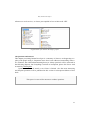
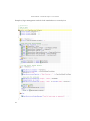
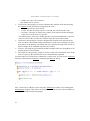
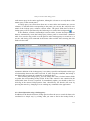
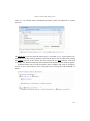
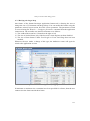
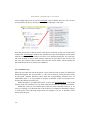
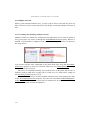
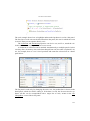
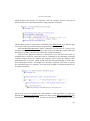
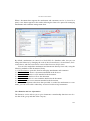
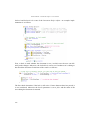
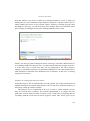
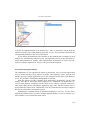
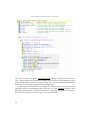
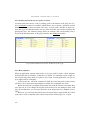
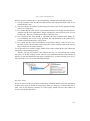
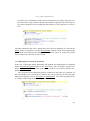
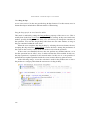
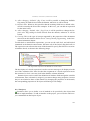
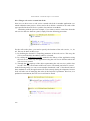
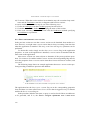
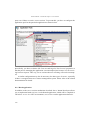
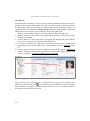
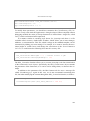
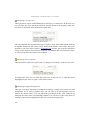
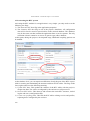
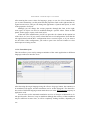
In the application compiling options, you must remember to set the Enable RTC for this
application flag. Otherwise, even if the RTC data is present in the database, the application will not use it.
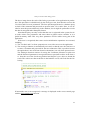
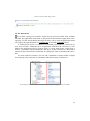
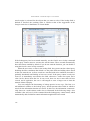
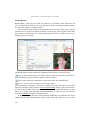
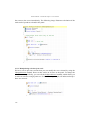
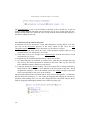
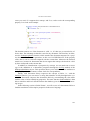
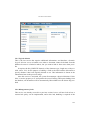
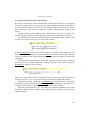
These operations must be performed only if you want to test the application with RTC
active during development. When publishing via IDManager, everything will happen
automatically based on the two flags mentioned at the beginning of the section.
13.3 RTC system functioning
We will now discuss the principles on which the RTC module is based.
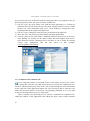
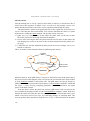
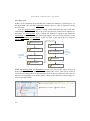
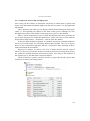
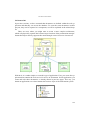
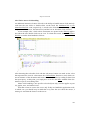
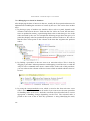
When constructing the database, 25 pairs of tables are added, one for each type of
object configurable at runtime. Each pair consists of an internal RTC table containing
the design time data for objects of that type, and a user table containing the various reconfigurations.
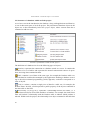
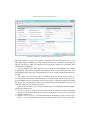
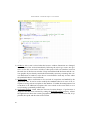
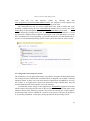
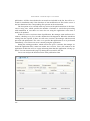
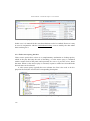
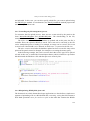
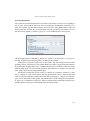
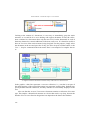
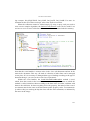
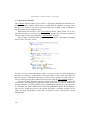
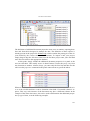
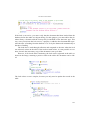
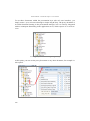
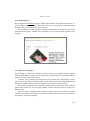
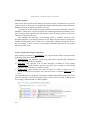
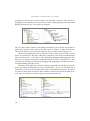
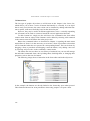
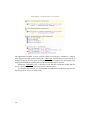
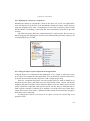
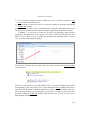
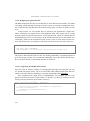
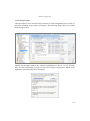
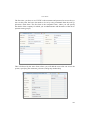
Let’s look at an example of the pair of tables that allow reconfiguring the properties of panels in the application. The pair of tables in question consists of RTC_Panels
and RTCU_Panels. The former contains the design-time data for each application panel, and the latter their reconfiguration data.
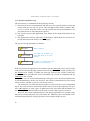
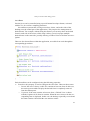
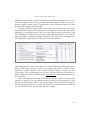
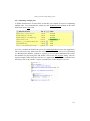
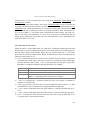
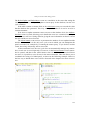
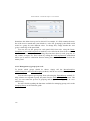
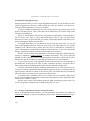
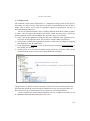
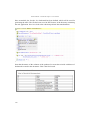
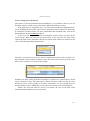
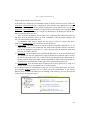
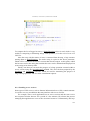
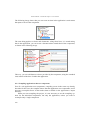
Now, let’s look at the primary keys of these tables. The primary key of
RTC_Panels is composed of a single field, called Guid. Each record in this table contains the data from an application panel, also identified in this way. RTCU_Panels,
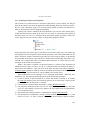
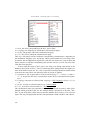
meanwhile, has the following four fields making up its primary key:
451