1
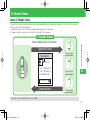
Barcode Reader
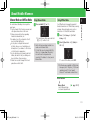
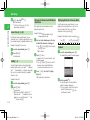
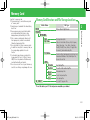
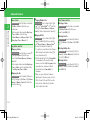
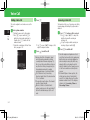
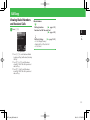
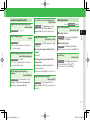
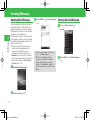
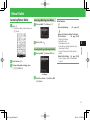
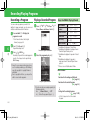
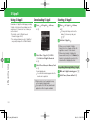
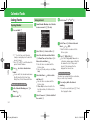
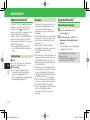
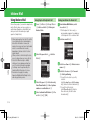
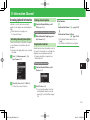
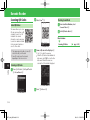
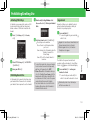
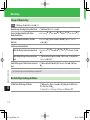
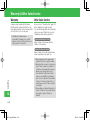
Scanning QR Codes
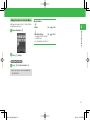
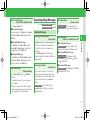
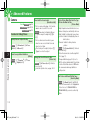
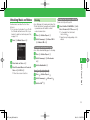
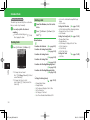
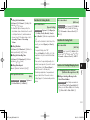
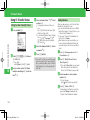
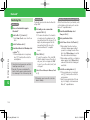
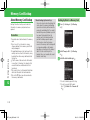
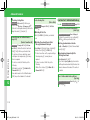
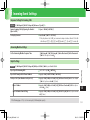
w Select Scan➡[
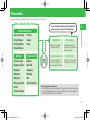
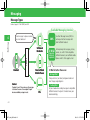
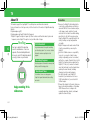
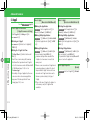
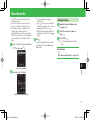
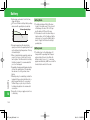
About QR Codes
The camera allows you to scan
QR codes and save them as QR
code data. Connect to a URL
included in the scanned
information, create a message
to send to an address included
in the scanned information or
save it to Phone Book.
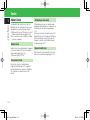
• The camera may not be able to scan a QR
code that is dirty or in the dark.
• Some QR codes cannot be scanned
depending on the size or version.
9
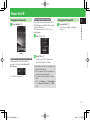
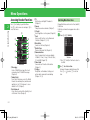
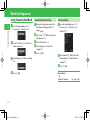
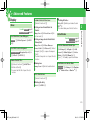
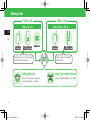
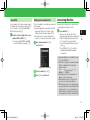
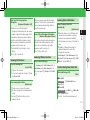
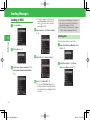
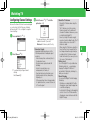
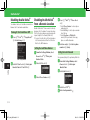
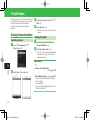
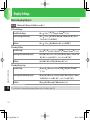
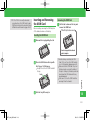
Scanning a QR Code
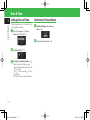
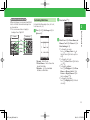
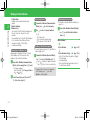
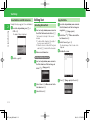
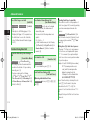
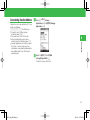
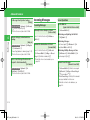
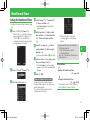
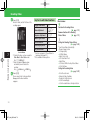
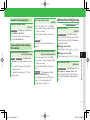
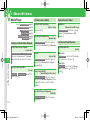
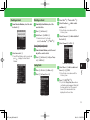
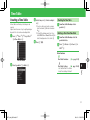
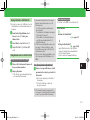
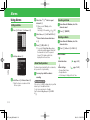
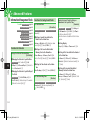
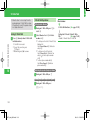
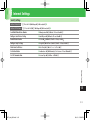
Checking Saved Data
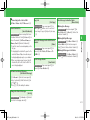
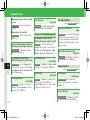
q From Scan Data Window, select
Scanned Data➡[
w Select QR code data➡[
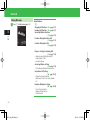
More Features
Scanning QR Codes
(E page 9-34)
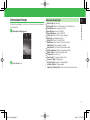
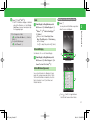
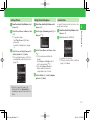
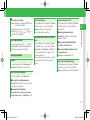
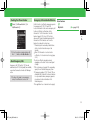
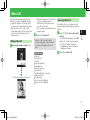
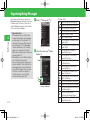
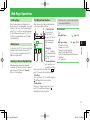
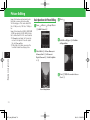
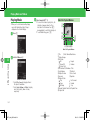
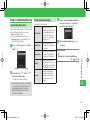
Scanning Window
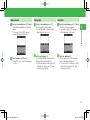
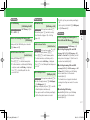
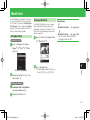
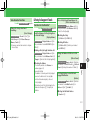
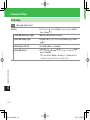
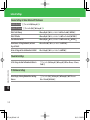
e Frame a QR code in the Display➡[
• Use F to adjust the exposure.
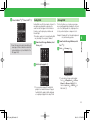
• When the QR code has been divided into
data areas, select YES to scan the other
data areas. When all the areas are
scanned, the QR code data is displayed.
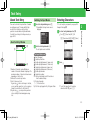
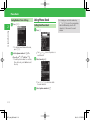
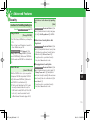
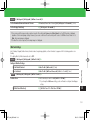
Tools
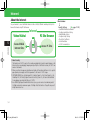
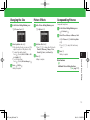
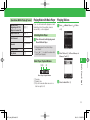
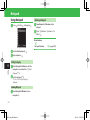
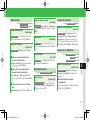
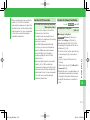
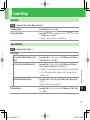
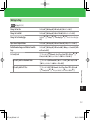
q Press [➡Tools➡[➡Useful Tools➡
[➡Scan Data➡[
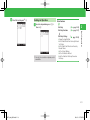
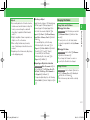
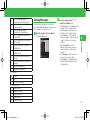
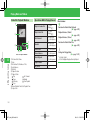
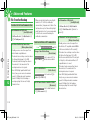
Scan Results Window
Scan Data Window
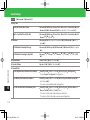
r Press K➡Save➡[
9-26
921T_web_0802.indb 9-26
08.3.23 1:58:24 PM