1
2
12 | i-Cut Preflight | 2. Files
2. Files
2.1 New
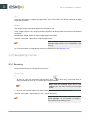
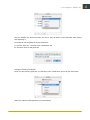
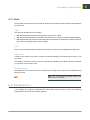
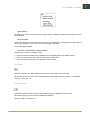
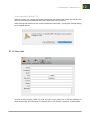
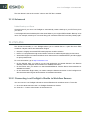
This creates a new document. You can choose the number of pages and the page size.
Shortcut: Command + N (Mac) or Ctrl + N (Windows)
2.1.1 Page Size
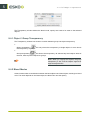
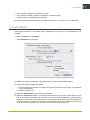
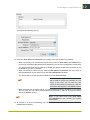
You can either enter a page size manually, or use a predefined page size.
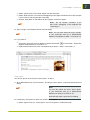
• To enter a page size manually, choose “Custom” and define a Page Width and Page Height.
• To use a predefined page size, choose it in the Page Size list.
2.1.2 Colors
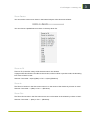
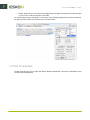
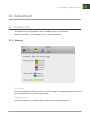
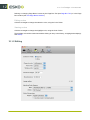
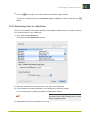
All new files contain the four process colors by default, but you can change the separations available
in the Separations window (see Separations).
2.2 Open
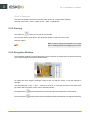
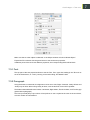
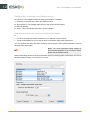
You can open an existing PDF (PDF 1.3, 1.4, 1.5 and 1.6). You can only open PDF files and Illustrator
".ai" files if they are saved with PDF compatibility set to "on" in Illustrator.