1
i-Cut Preflight
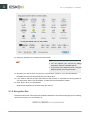
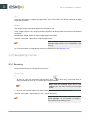
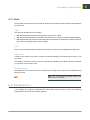
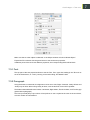
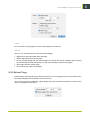
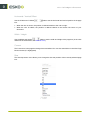
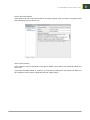
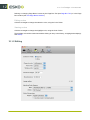
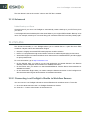
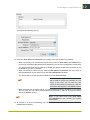
• Click the color patch to select a different color for the representation of the cut path
• Define the Tolerance: this indicates how much a pixel value can deviate from the chosen
background color while still be included as background
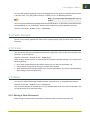
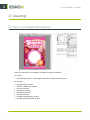
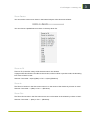
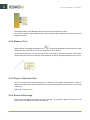
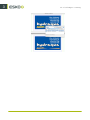
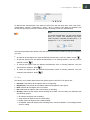
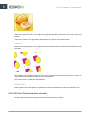
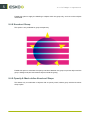
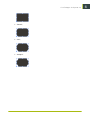
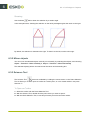
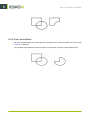
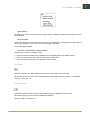
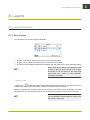
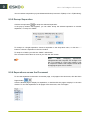
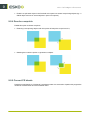
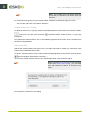
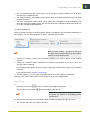
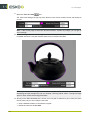
• If you want holes to be removed from the cut path, enable Remove Holes. The image
underneath shows the result with (left) and without Remove Holes.
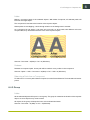
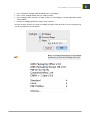
• Set the Remove Small Contours. All small contours, with both dimensions smaller than the
entered value, will be removed.
• Set the Smooth factor to define how much the resulting path will be smoothed. A small smooth
value is recommended, otherwise the resulting path will contain lots of small corners.
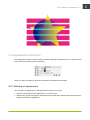
11.1.3 Offsetting a cut path
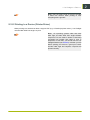
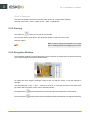
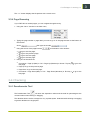
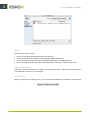
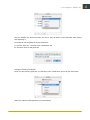
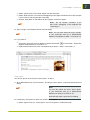
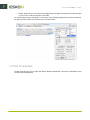
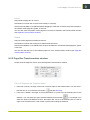
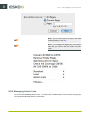
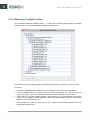
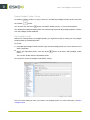
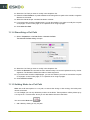
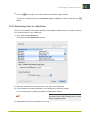
1. Select Preparation > Cut Path Tools > Offset Cut Path
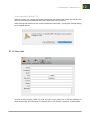
The Offset Cut Path dialog will open
169
11