1
3
34 | i-Cut Preflight | 3. Viewing
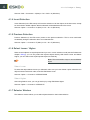
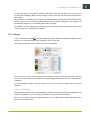
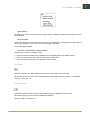
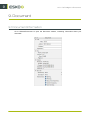
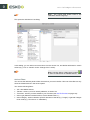
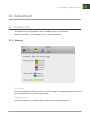
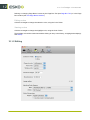
Show
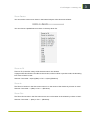
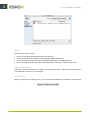
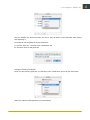
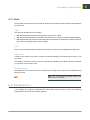
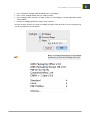
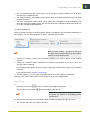
Use the “Show” filter to show:
•
•
•
•
all errors, warnings fixes and information (“Everything”),
errors and warnings encountered when opening a page (“Document”),
errors, warnings and fixes from the embedded preflight report (“Preflight Report”),
errors, warnings, fixes and information generated by an action (e.g.: “Make 2 Color Job”).
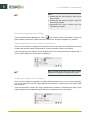
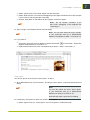
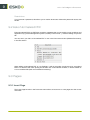
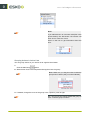
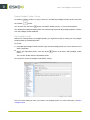
View in Document
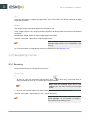
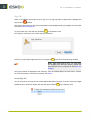
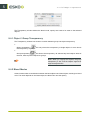
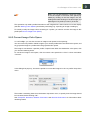
If the error / warning is related to an object, you can click this error / warning to select the object,
or double-click it to zoom in on that object.
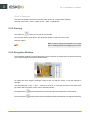
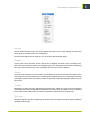
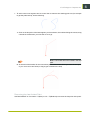
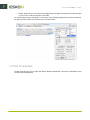
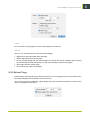
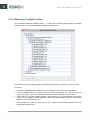
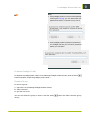
Reported by
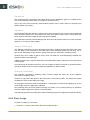
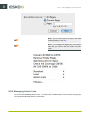
When you click an error, warning or fix, you can see what generated it at the bottom of the window.