1
10
REMO Installation & User Manual
Start Remo
1.
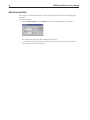
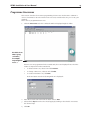
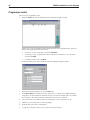
Go to the Start menu; choose Programs, Bewator Remo and finally Remo. The login
window is displayed:
2. Enter bewa in the User name field and press TAB.
3.
Enter pass in the Password field.
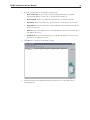
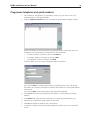
4. Click OK. This window will be displayed:
You are now logged on.