1
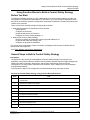
Using Function Blocks to Build a Control /Safety Strategy
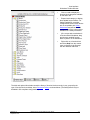
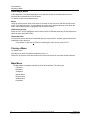
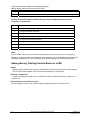
Adding, Moving, Deleting Function Blocks to a FBD
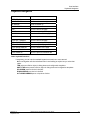
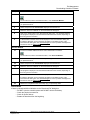
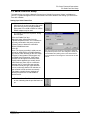
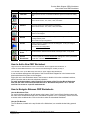
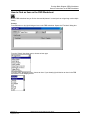
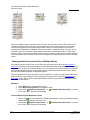
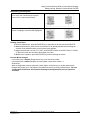
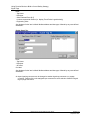
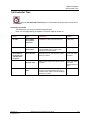
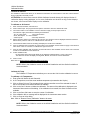
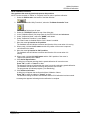
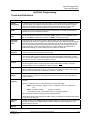
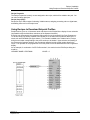
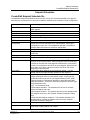
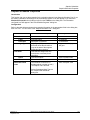
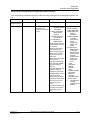
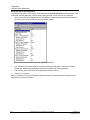
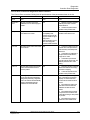
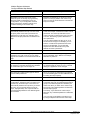
Manipulating a drawing item
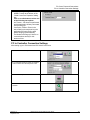
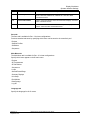
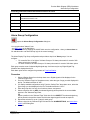
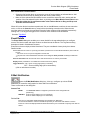
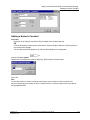
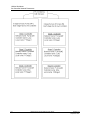
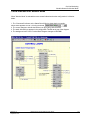
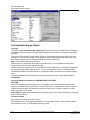
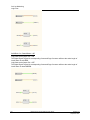
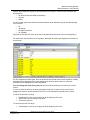
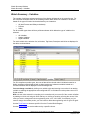
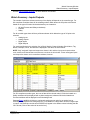
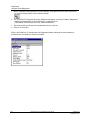
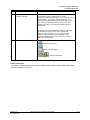
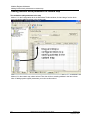
To form a selection net, press the left mouse button
on an empty area of the drawing and drag the
mouse to form a visible dotted rectangle
Release the mouse button. Everything entirely
within the rectangle is selected and highlighted.
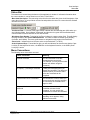
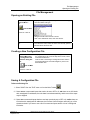
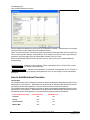
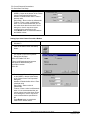
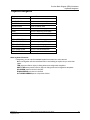
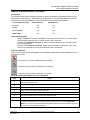
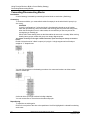
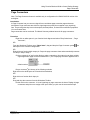
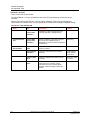
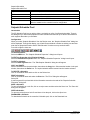
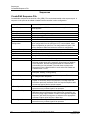
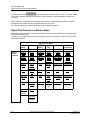
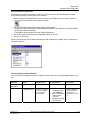
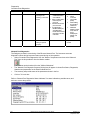
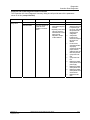
Drawing Conventions
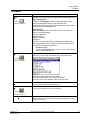
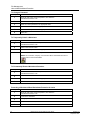
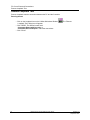
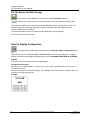
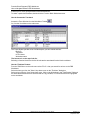
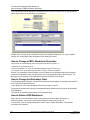
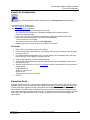
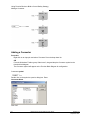
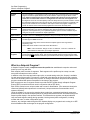
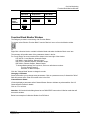
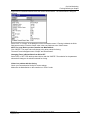
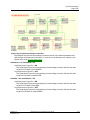
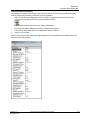
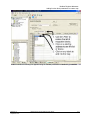
To delete a selected item, press the DELETE key or right-click on the item and select DELETE.
To move a selected item, press the left mouse button on an already selected item and drag the
selection to the desired location on the function block diagram.
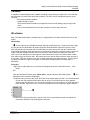
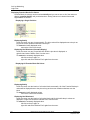
To copy a selected item, use the CUT, COPY, and PASTE functions on the EDIT menu or Toolbar
or right-click on the item and select the desired menu item.
To abort a move operation, press the ESCAPE key before releasing the mouse.
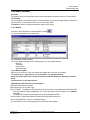
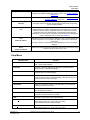
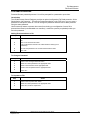
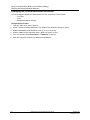
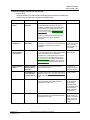
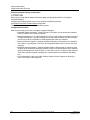
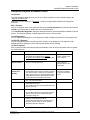
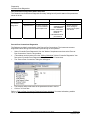
Function Block Changes
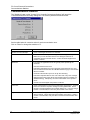
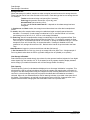
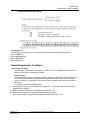
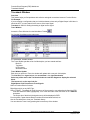
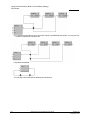
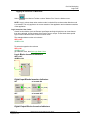
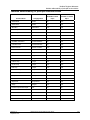
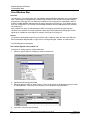
If a function block is deleted, Designer does not re-use the block number.
If a function block is added, Designer uses the highest current block number + 1.
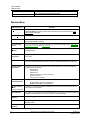
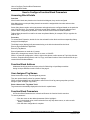
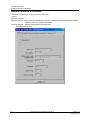
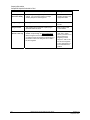
Restrictions:
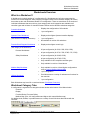
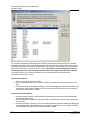
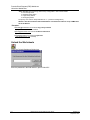
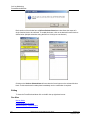
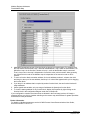
When a configuration uses the last block number (500 or 2100) and you try to add another block,
Designer will prompt you to "de-fragment" the table and recover previously deleted blocks. The next
configuration download to the controller following the defragmentation process requires a
Cold Start.
Revision 15
September 2013
HC900 Process Control Designer User Guide
119