1
Server typed Fiery controllers made by EFI use Windows for OS. However, the
vulnerability of Windows is covered by providing necessary Windows security patch
on a timely basis.
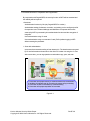
8. Protection against virus from USB memory
Virus infection from USB memory is caused by program files automatically
executing when the USB memory is inserted in the device. Konica Minolta devices
do not support functionality to automatically execute files by inserting the USB
memory. Therefore, Konica Minolta devices are not affected by these types of
viruses.
Konica Minolta devices support capability to print image data stored in USB memory,
as well as store scanned data and User Box data in the USB memory. However,
these tasks are done through user operation and not through automatic execution.
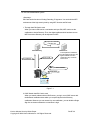
9. Monitoring of the security of Linux kernel
Concerning Linux kernel, R&I division of Konicaminolta is constantly monitoring the
information of the security vulnerability and security patch. And it is confirmed
whether the public information of vulnerability will effect the function of MFP or not.
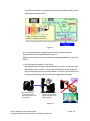
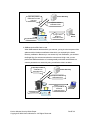
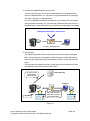
10. Separation from USB I/F path
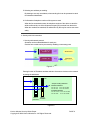
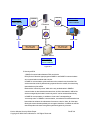
The path of USB I/F and the path of network are separated system structurally. If
MFP is connected to USB of the PC connected to the Internet, MFP cannot be
accessed from the Internet environment through the PC.
III. Security of data stored in MFP
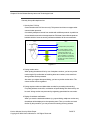
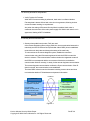
1. Security on image processing and printing
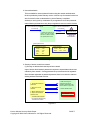
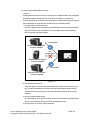
Data read with the scanner is image-processed, compressed, and then written onto
main body memory (volatile DRAM). Further, print data is decompressed, sent to
printer and then output on paper. Data is overwritten by page on memory.
Therefore, re-output of data is not possible.
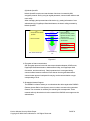
Since job data (compressed data) is deleted from the memory at the same time
when it is output or transferred, re-output or retransfer of the data by 3rd person is
prevented.
Konica Minolta Security White Paper
Copyright © 2004 Konica Minolta Inc. All Rights Reserved.
PAGE 10