1
Table of Contents
Chapter 1 Introduction
I. Security Basic Policies
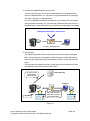
1. Equipment of Latest Security Technologies
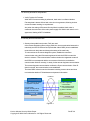
2. Certification from 3rd party company
Chapter 2 Device -Related Security Items and Technologies Used
I. Security from public telephone line
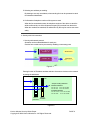
1. Security with FAX line
2. Putting number twice
3. Putting regular number and abbreviation number for preventing miss-sending
4. Display for address confirmation
5. Selecting one address per sending
6. Confirmation of telephone number of fax system to send
II. Security with LAN connection
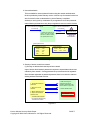
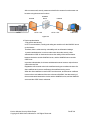
1. Security with Network protocol
2. User authentication
3. Security of device control from network
4. Encryption of data communication
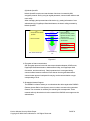
5. Quarantine Network Support
6. Certificate verification by dual direction
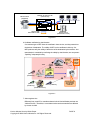
7. Action against virus
8. Protection against virus from USB memory
9. Monitoring of the security of Linux kernel
10. Separation from USB I/F path
III. Security of data stored in MFP
1.
Security on image processing and printing
2.
User authentication
3.
Box security
4.
Complete data deletion when discarding HDD
5.
Protection of data in HDD by password and encryption
6.
Access management by audit log
7.
Encryption of data in PDF file
8.
Encryption of the data in e-mail
9.
Digital signature on the e-mail
10. Scan to Me, Scan to Home & Scan to Authorized Folder
11. Overwrite to delete the temporary data (HDD data)
12. Adoption of the Encrypted modules which received authorization
13. Data protection by using TPM
IV. Security of output data
1. Copy Security Function
V. Authentication devices
1. Security of the data for the biometric authentication device
Konica Minolta Security White Paper
Copyright © 2004 Konica Minolta Inc. All Rights Reserved.
PAGE 2