1
7.3 BootOS and Standard Monitor OS Installation Using
CF Card or USB Memory
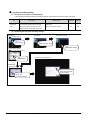
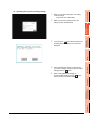
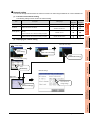
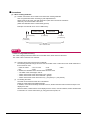
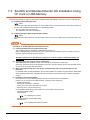
There are the following two types for the BootOS, standard monitor OS installation using the CF card or USB memory.
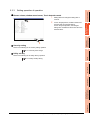
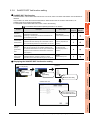
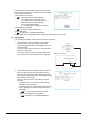
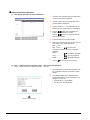
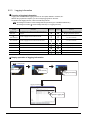
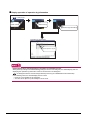
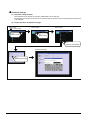
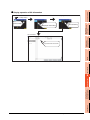
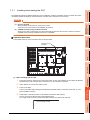
(1) Installing when starting the GOT
(
7.3.1)
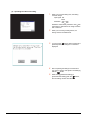
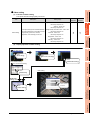
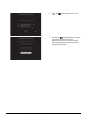
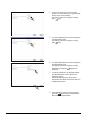
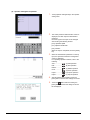
All the OS and project data stored in the CF card or USB memory are transferred to the GOT when powering on
the GOT. This installing method is effective in the following cases.
• The GOT utility cannot be displayed.
• The standard monitor OS is not installed.
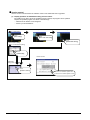
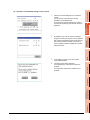
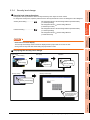
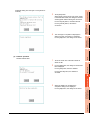
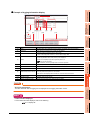
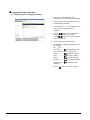
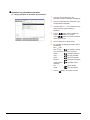
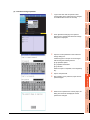
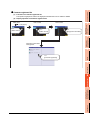
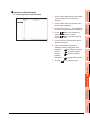
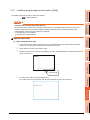
(2) Installing using the data control function (Utility)
(
7.3.2)
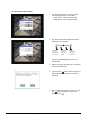
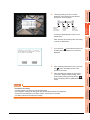
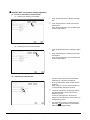
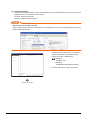
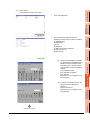
By operating the utility, select OS or project data stored in the CF card or USB memory and transfer them to the
GOT.
POINT
Precautions on installing BootOS, standard monitor OS
(1) Installing both BootOS and standard monitor OS
After completing BootOS installation, install standard monitor OS.
When installing BootOS, the built-in flash memory in the GOT is initialized and goes to the status at factory
shipment. (All OS and project data are erased.)
BootOS is installed in the GOT at factory shipment. It is not necessary to install BootOS when not
upgrading it.
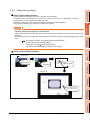
(2) Copying project data using CF card or USB memory
After installing BootOS, standard monitor OS, and other OS, download the project data.
At this time, match the version of the standard monitor OS in the GOT with the version of the standard monitor
OS with which the project data was created.
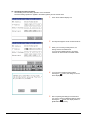
(3) When OS and project data are in the CF card or USB memory (when using GT Designer3 or GT
Designer2)
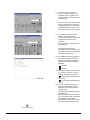
For S.MODE switch-pressing installation, after the OS installation is complete, the project data is downloaded.
When installing with the utility, install the OS and download the project data from their respective operation
screens.
(4) Installation cannot be interrupted.
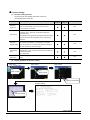
Do not perform any of the following during a BootOS or standard monitor OS installation.
Failure to do so may result in installation failure, causing the GOT malfunction.
• Powering off the GOT
• Pressing the reset button of the GOT
• Turning off the CF card access switch of the GOT
• Removing the CF card or USB memory
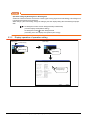
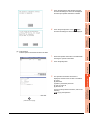
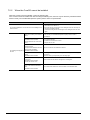
If the installation failure and the GOT malfunction occur, take the following action.
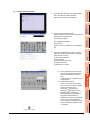
• If BootOS installation failed
Install CoreOS.
(
7.5.1 Installing the CoreOS)
• If standard monitor OS installation failed:
Install BootOS.
(
7-4
7.3.1 Installing when starting the GOT)
7.3 BootOS and Standard Monitor OS Installation Using CF Card or USB Memory