1
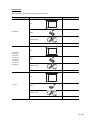
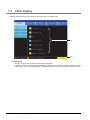
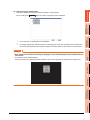
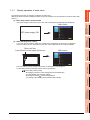
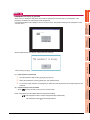
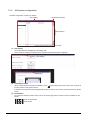
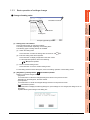
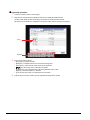
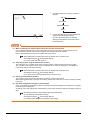
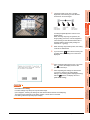
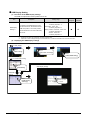
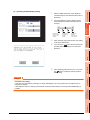
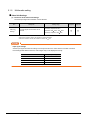
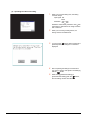
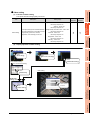
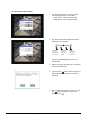
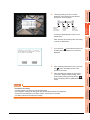
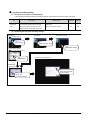
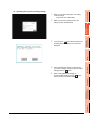
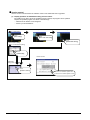
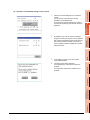
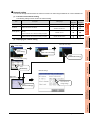
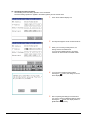
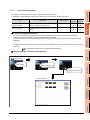
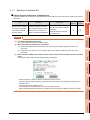
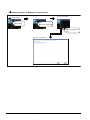
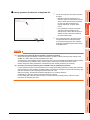
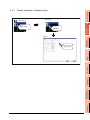
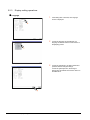
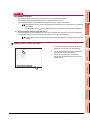
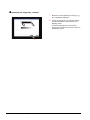
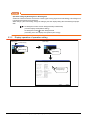
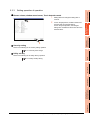
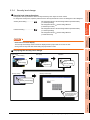
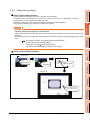
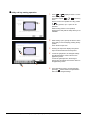
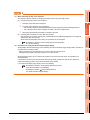
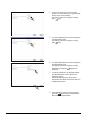
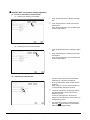
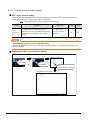
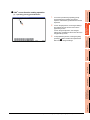
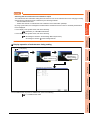
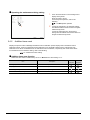
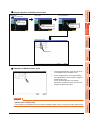
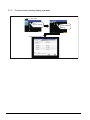
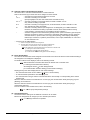
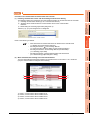
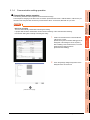
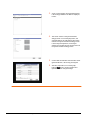
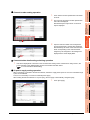
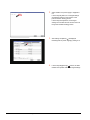
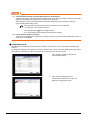
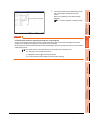
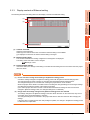
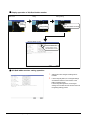
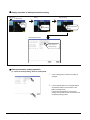
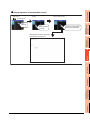
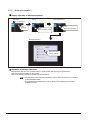
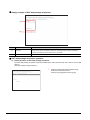
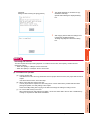
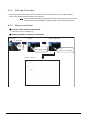
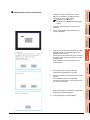
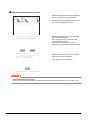
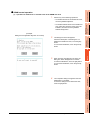
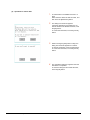
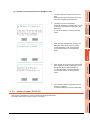
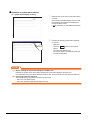
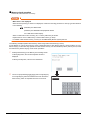
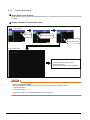
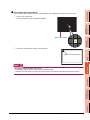
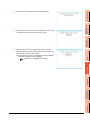
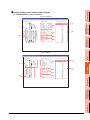
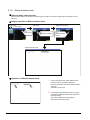
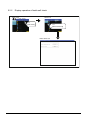
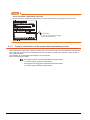
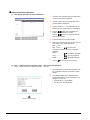
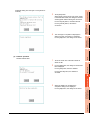
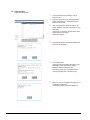
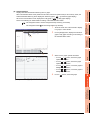
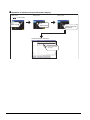
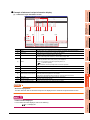
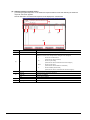
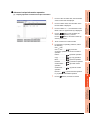
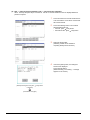
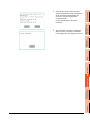
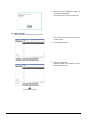
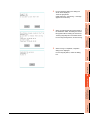
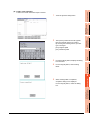
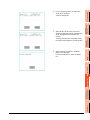
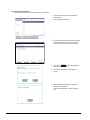
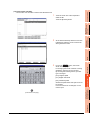
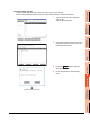
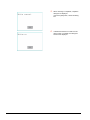
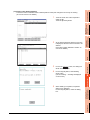
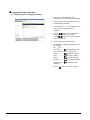
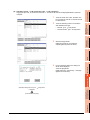
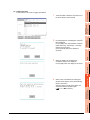
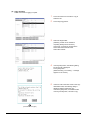
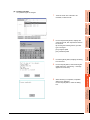
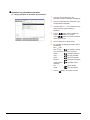
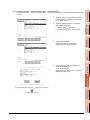
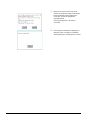
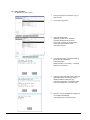
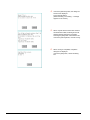
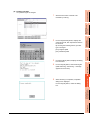
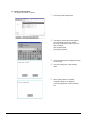
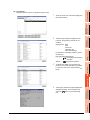
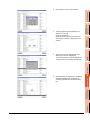
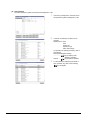
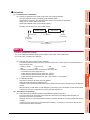
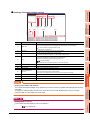
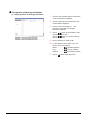
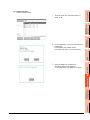
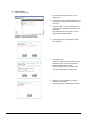
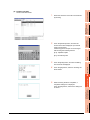
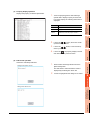
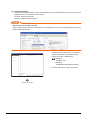
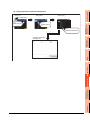
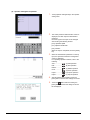
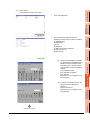
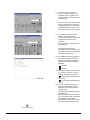
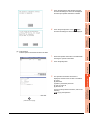
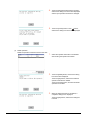
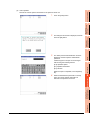
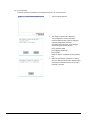
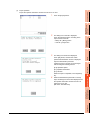
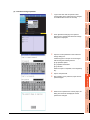
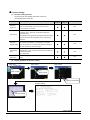
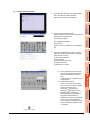
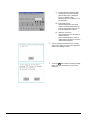
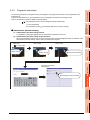
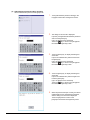
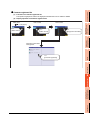
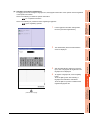
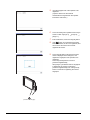
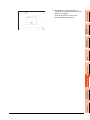
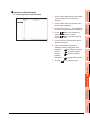
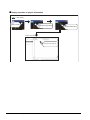
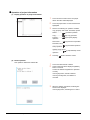
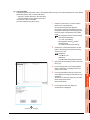
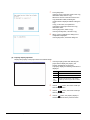
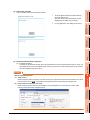
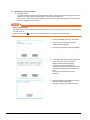
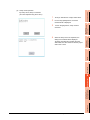
Keyboard operation 1. Touch the numerical value to be changed. 2. Keyboard for numerical input is displayed and cursor is displayed simultaneously. The key board display position chanegs by the position of numerical value touched. (At the time of numerical input, displayed in the position which will not interrupt the inputting.) Cursor Keyboard 3. Input numeric with keyboard. • [0] to [9] Key: Input the numeric. • [Enter] Key: Complete numeric input and close the keyboard. • [Cancel] Key: Cancel numeric input and close the keyboard. • / Key: Moves the cursor to the right or left side. Available only if any selectable item is at the right/left side of the cursor. • [Del] Key: Cancel the input by 1 character. • [*] key and the key which is not mentioned do not function. 4. 1 - 14 If [Enter] key is touched, numeric input is completed and keyboard is closed. 1.3 Utility Display